
Choosing an AV receiver can feel like decoding a specification sheet written in another language. Channel numbers, HDMI standards, room correction, object-based audio and video passthrough all appear important, but not every feature matters to every listener.
The useful question is not “Which AV receiver has the longest feature list?” It is “What do I want my system to do now, and what might I add later?” A receiver is the central connection point for a home cinema system: it switches video sources, processes surround sound and usually powers the passive speakers. Choose according to the room and the system you actually intend to build, and the decision becomes much simpler.
Start with the system you want, not the receiver
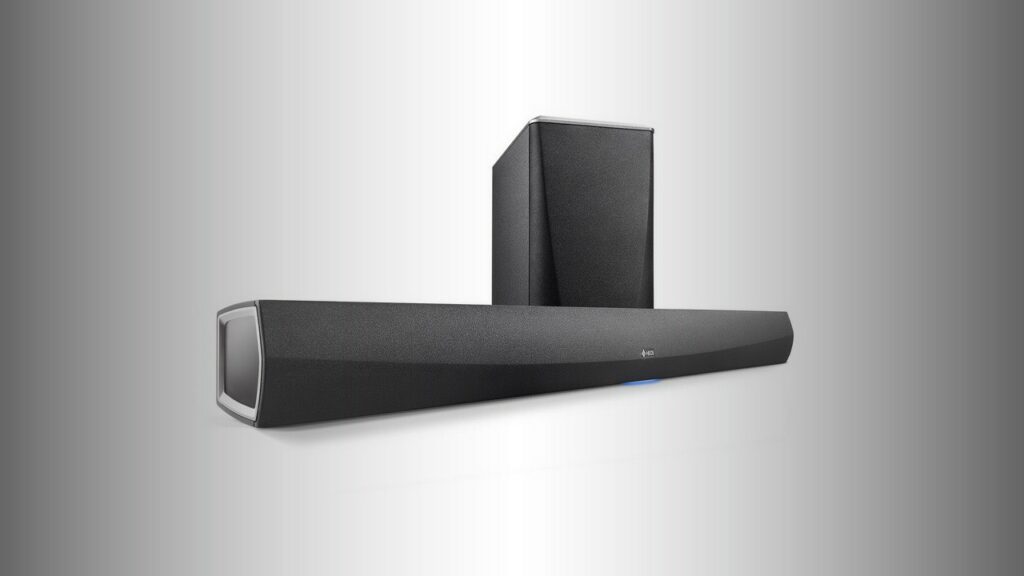
Before comparing models, decide whether you need a receiver at all. A soundbar is often the simplest answer for a television, especially when space, wiring or installation time matters more than having separate speakers around the room. The Denon DHT-S516H, for example, is a 2.1 soundbar with a wireless subwoofer, HDMI ARC, optical and analogue inputs, plus HEOS streaming. It is a useful reminder that a compact system can deliver fuller TV sound without requiring an equipment rack and several speaker cables.
An AV receiver becomes worthwhile when you want separate speakers, more convincing surround effects, several HDMI sources or the ability to expand the system over time. It can be the hub for a television, games console, disc player, streamer and speakers, with one remote or app handling much of the switching.
There is also a practical distinction between a receiver and a processor. Most beginner systems need a receiver, which combines surround processing and power amplifiers in one chassis. A processor with separate power amplifiers is a more elaborate route, useful for large or highly customised installations but rarely necessary as a first step.
What you actually need
For many homes, the sensible starting point is a 5.1 or 5.2 system. The first number describes the main speaker channels: left, centre, right, surround left and surround right. The number after the decimal point describes subwoofer outputs. A 5.1 system therefore has five main speakers and one subwoofer; 5.2 allows two subwoofers, although the receiver does not automatically include either one.
A 5.1 receiver is enough for conventional surround sound, but a seven-channel model gives you more room to grow. The Denon AVR-X580BT is a straightforward example: it uses five amplifier channels, supports a 5.2 configuration and includes four HDMI inputs, 8K/60 video support and automatic surround calibration. That combination is aimed at a basic but modern home cinema rather than an ambitious multi-row theatre.
A 7.1 receiver can run a conventional seven-speaker surround layout, or a 5.1.2 Dolby Atmos system. In the latter arrangement, “.2” refers to two height channels, usually produced by ceiling speakers or compatible upward-firing speakers. Dolby Atmos is an object-based surround format: instead of placing every sound only in a fixed channel, it can describe sounds such as aircraft or rain as objects moving through a three-dimensional sound field.
The Denon AVR-X2900H DAB illustrates what a seven-channel model adds. It supports 7.1 operation, Dolby Atmos and DTS:X, two subwoofers, and Dolby Atmos Height Virtualization and DTS Virtual:X for systems where ceiling or height speakers are impractical. Virtual height processing can suggest a taller soundstage, but it is not the same as installing physical speakers above or around the listener.

Do not assume that more channels automatically mean better sound. Extra channels only help if you have the room, speakers and content to use them. They also bring more cable, more stands or brackets, and more decisions about speaker placement.
The specs that matter
1. Amplifier channels and power
“Channels” usually means the number of built-in amplifier sections. A receiver rated at 5.2 has five powered speaker channels and two subwoofer outputs; the subwoofer outputs normally feed powered subwoofers rather than passive speakers.
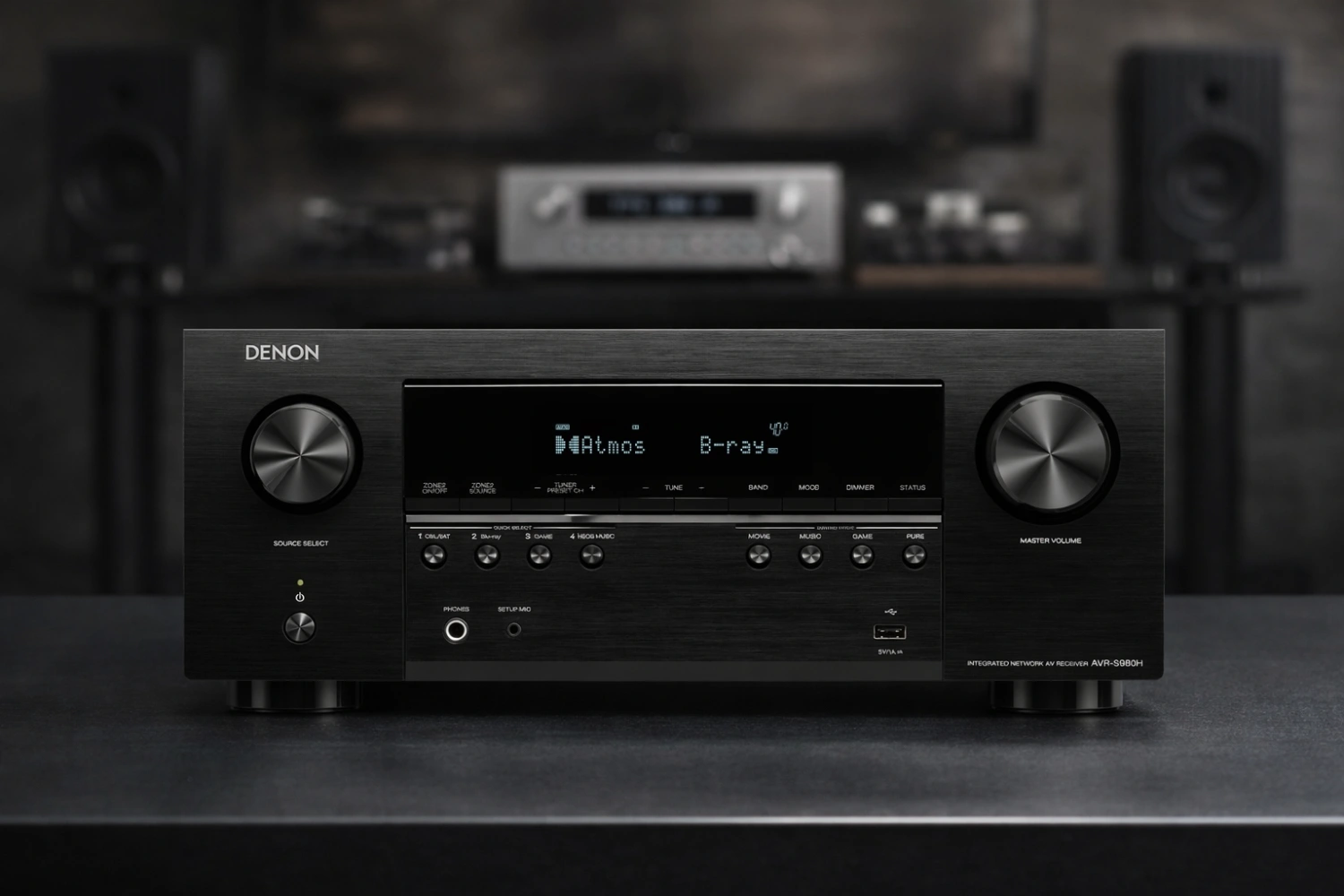
Power figures are useful, but they need context. Sensitivity, impedance, room size, listening distance and how loudly you listen all affect whether an amplifier is suitable. Published power ratings may also be measured under different conditions, so comparing wattage alone can mislead. As reference points, the AVR-X580BT is specified at 70 watts per channel, while the AVR-X2900H DAB is rated at 95 watts and the seven-channel Denon AVR-S980H at 90 watts per channel under their stated test conditions. These figures do not by themselves establish which model will sound best.
For a small or medium living room and ordinary listening levels, a mainstream receiver is usually adequate. Large rooms, inefficient speakers, long listening distances or consistently high volume may justify a more powerful model, or eventually separate amplification.
2. HDMI inputs and the video features you use
HDMI carries both picture and sound, so count your sources before buying. Include the television, games consoles, streaming boxes, disc players and anything else you expect to connect directly. It is wise to leave at least one spare input.
Look beyond the headline “8K” label. If gaming matters, check for the particular features your console and television support, such as 4K/120, variable refresh rate (VRR), automatic low-latency mode (ALLM), quick frame transport (QFT) or 1440p passthrough. The AVR-X580BT supports 4K/120, ALLM and QFT, while the AVR-X2900H DAB lists 4K/120, 8K/60, VRR, ALLM, QFT, 1440p passthrough and AMD FreeSync. The AVR-S980H also includes 1440p passthrough and AMD FreeSync.
HDR formats are another compatibility check. The three receivers above list support for formats including HDR10, HDR10+, Dolby Vision and HLG in different combinations. The important point is to match the receiver’s capabilities with the television and sources you already own or plan to buy, rather than paying for an advanced video feature that none of your equipment can use.
HDMI eARC is useful when you want the television to send audio from its built-in streaming apps back to the receiver. ARC is the older version; eARC offers greater bandwidth and is better suited to higher-quality formats when the TV, receiver and content all support them.
3. Room correction and setup assistance
Room correction uses a supplied microphone to measure how the speakers interact with the room, then adjusts levels, delays and equalisation. It cannot turn a poor speaker position into a perfect one, but it can make a multi-speaker system easier to balance, particularly in rooms with reflective walls or uneven seating positions.
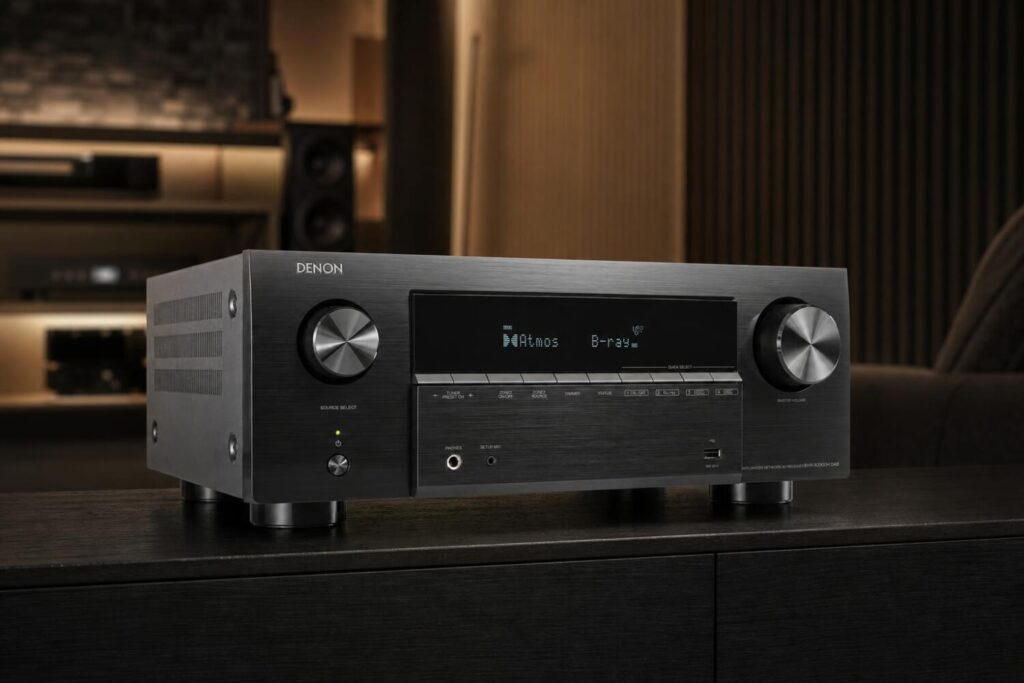
This is one of the most useful beginner features because setting every speaker level and distance manually is tedious. The AVR-X580BT includes automatic surround calibration and on-screen setup prompts. The AVR-S980H is designed around step-by-step on-screen instructions and can be configured through its menu, app or web interface.
More advanced receivers offer more elaborate correction options. The AVR-X2900H DAB includes Audyssey MultEQ XT, with Dynamic EQ and Dynamic Volume, and is specified as ready for Dirac Live, although the Dirac room-correction licence is purchased separately. The distinction matters: “ready for” does not mean that every advanced function is included in the box.
4. Streaming and everyday connections
If the receiver will also be your music system, check how you prefer to listen. Wi-Fi, Ethernet, Bluetooth, AirPlay 2, Spotify Connect and a manufacturer’s multiroom platform can be more important in daily use than an extra surround mode.
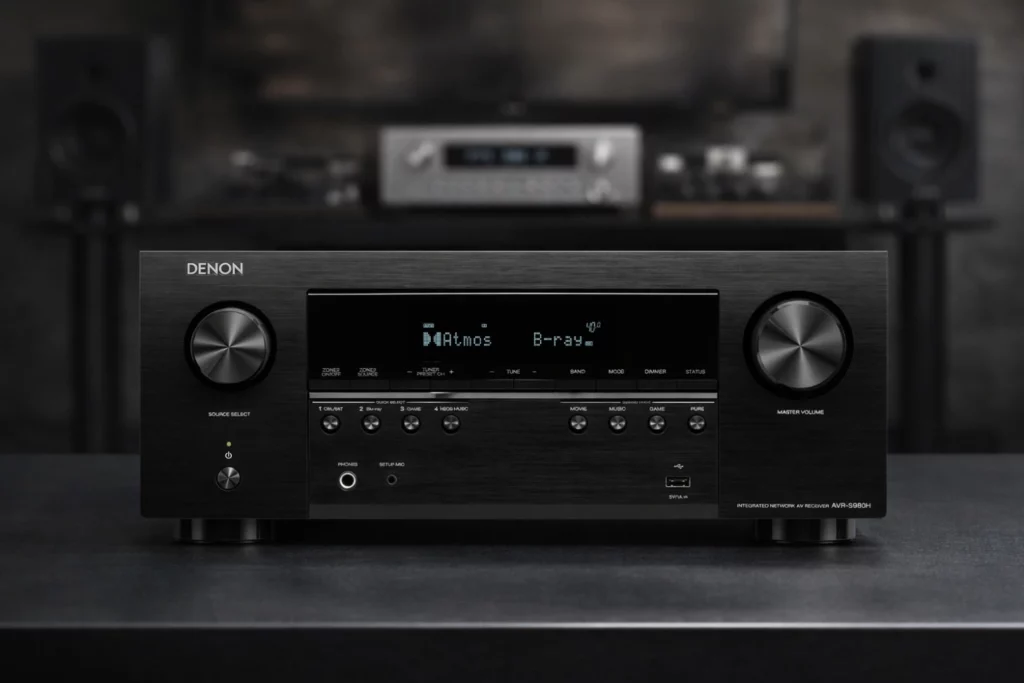
HEOS appears across several Denon examples. The AVR-S980H supports HEOS, Bluetooth, AirPlay 2 and Spotify Connect, while the AVR-X2900H DAB adds network connectivity and lists services including Spotify, TIDAL, Qobuz, Deezer and Amazon Prime Music. The older-style AVR-X580BT is more basic, with Bluetooth, AM/FM radio and a front USB input for compatible music files.
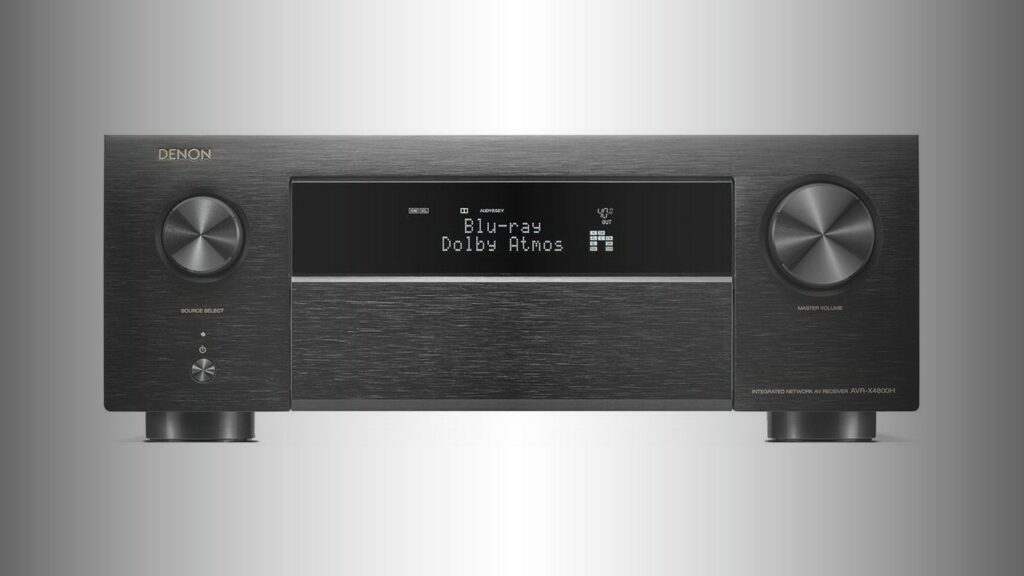
Physical connections still matter. The Denon AVC-X4800H shows the other end of the scale: it has nine built-in amplifier channels, 11.4-channel processing, eight HDMI inputs, three HDMI outputs, four subwoofer outputs, a phono input and wireless headphone transmission. That kind of connectivity can be valuable in a serious installation, but it is unnecessary if your system consists of a television, console and five speakers.
Common beginner mistakes
Buying for a future system that never arrives. It is sensible to allow some expansion, but do not pay for eleven amplified channels if you have no realistic plan for a large speaker layout. A seven-channel receiver may be the better compromise for a first system.
Confusing processing channels with amplifier channels. A receiver may process more channels than it can power internally. The AVC-X4800H, for instance, has nine amplification channels but 11.4-channel processing, allowing additional external amplifiers to expand the system. That is useful upgrade flexibility, not eleven powered speaker outputs built into the chassis.
Ignoring speaker placement. A receiver cannot compensate fully for a centre speaker hidden inside furniture, surround speakers placed far too high, or a subwoofer trapped in a corner that causes excessive bass. Positioning and calibration should come before chasing small specification differences.
Counting only today’s HDMI devices. A spare input can save you from replacing the receiver when you add a console or streaming box. Also check whether the HDMI outputs suit your display plans. The AVR-X2900H DAB, for example, has two outputs operating in parallel, which can feed a television and projector.
Assuming wireless means completely cable-free. Wireless streaming and wireless surround options can reduce some wiring, but the receiver, display and many speakers still need power and signal connections. The AVR-S980H’s planned support for Denon Home wireless surround speakers is described as a later firmware addition, not a feature available at launch.
Forgetting the furniture. AV receivers are substantial components that need ventilation and enough depth for cables. The AVC-X4800H measures 434 x 167 x 389mm and weighs 13.7kg, while the AVR-X580BT is smaller and lighter at 434 x 151 x 319mm and 7.5kg. Check the available shelf, allow space around the receiver, and do not place it in a sealed cabinet.
A simple way to choose
Step one: decide whether you need separate speakers. If you want a tidy TV upgrade with minimal installation, consider a soundbar such as the DHT-S516H. If you want a real surround system, multiple sources or a system you can build gradually, move on to an AV receiver.
Step two: choose the largest speaker layout you genuinely expect to install. Select five channels for a 5.1 system, seven channels if you want 7.1 or 5.1.2, and consider a more advanced receiver only when you have a large room or a clear expansion plan.
Step three: count inputs and check gaming requirements. List every HDMI source and confirm the standards that matter to you: 4K/120, VRR, HDR, eARC or 8K. Do not use the resolution label as a shortcut for every other HDMI capability.
Step four: prioritise setup and control. Automatic calibration, a clear on-screen wizard and a usable app can make more difference to your enjoyment than a small increase in rated power. Room correction is particularly worthwhile when the seating and speakers cannot be arranged symmetrically.
Step five: leave room for sensible upgrades. A second subwoofer, better speakers, height channels or a separate power amplifier may be useful later, but buy the receiver around a plausible plan. The aim is not to own the most elaborate specification sheet. It is to create a system that fits your room, connects to your sources and remains easy to live with.
For a beginner, that usually means a receiver with enough HDMI inputs, the required gaming and TV formats, automatic calibration, straightforward streaming and one or two spare capabilities. Once those basics are covered, speaker quality, placement and careful setup will usually have a greater effect than moving to the most expensive model in the range.


Sound Off
0Join the discussion if you have something to add.