

Speaker problems are often blamed on the loudspeaker first, but the cause is frequently elsewhere: a muted source, loose cable, incorrect input, poor placement or a subwoofer that is out of phase with the main speakers. The safest and quickest approach is to change one thing at a time and work from the source towards the speakers.
This guide covers passive hi-fi speakers, powered and active models, stereo subwoofers and installation-oriented systems. It also uses practical examples such as the Vestlyd M8C Active, which combines amplification, DSP and several source inputs, and conventional passive designs such as Castle Acoustics’ Tintagel and Walmer speakers.
Start with these checks
Before changing settings or replacing equipment, stop playback and reduce the amplifier or active speaker volume. Check that every mains-powered component is switched on, then confirm that the source is actually playing. A paused streaming app, muted television or computer output set to the wrong device can look exactly like a speaker failure.
- Check the amplifier or active speaker is on the correct input.
- Check mute, balance and volume controls on both the source and the system.
- Confirm that speaker cables or interconnects are fully inserted.
- For passive speakers, check that the left and right terminals are connected to the matching amplifier outputs.
- For active speakers, check the link cable between the two cabinets as well as the source cable.
- Try a known-good source, cable and recording.
- Power-cycle digital sources and active speakers using their normal controls.
Do not open an amplifier, powered speaker or subwoofer. If there is a burning smell, smoke, visible damage, repeated electrical tripping or a mains lead that is hot or damaged, disconnect the system safely and arrange professional service.
No sound from either speaker
If both channels are silent, begin at the source rather than moving the speakers around. Select a different track or radio station and check whether the source shows a changing signal. With a television, confirm that audio output is set to the connected HDMI, optical or analogue connection rather than the television’s internal speakers or another Bluetooth device.
On a computer or phone, inspect the operating system’s output selection. It may have switched to headphones, a monitor, a USB device or a different Bluetooth product. Bluetooth systems also need to be paired with the intended device and selected as the active playback output.
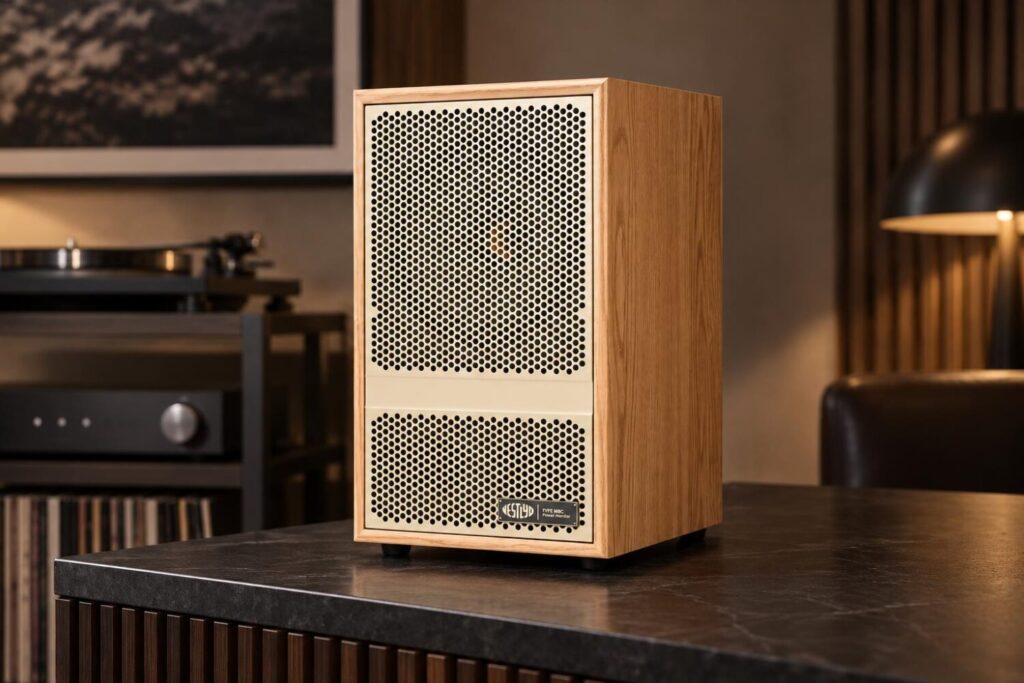
Next, test another input. A powered hub-style speaker may offer several distinct routes into the system. The M8C Active, for example, accepts television audio over HDMI eARC, digital audio through optical, computer audio over USB-C, Bluetooth and analogue sources including a turntable with a moving-magnet cartridge. Selecting the wrong input will produce silence even when the speaker and source are functioning normally.
If the system remains silent, disconnect all but one source and test with a simple cable connection. This avoids two sources competing for control or a faulty peripheral holding the system in an unexpected mode. If a passive stereo system is silent on both channels after these checks, the fault may be in the amplifier, source or common interconnect rather than both speakers simultaneously. Stop before making risky repairs and consult the manufacturer or a qualified technician.
Sound from one speaker only
One-channel failure is easier to isolate. First, swap the left and right interconnects at the amplifier or source end. If the silent side changes, the problem is upstream: a source output, cable, balance setting or input. If the same physical speaker remains silent, inspect its speaker cable and terminal connection.
For a passive speaker, switch off the amplifier before tightening or reconnecting cables. Make sure no loose strand of wire is touching the adjacent terminal. If the system uses banana plugs, check that the plug has not pulled partly out of the binding post. Do not keep increasing the volume to compensate; that can stress the working channel and may conceal a wiring fault.
With powered speakers, check the inter-speaker cable and any left/right assignment switch. Some active systems use one cabinet as the master, with the inputs, controls and mains connection located there. A missing or incorrectly connected link can therefore remove one channel without indicating a fault in the drivers.
If swapping cables and inputs leaves the same cabinet silent, do not remove its rear panel. An internal amplifier, protection circuit or driver fault requires service.
Hum, buzz or hiss
A low, steady hum that changes when another component is connected often points to a grounding or interconnection issue. Start by lowering the volume and disconnecting source cables one at a time. If the hum disappears when a particular source is removed, reconnect that source using a different input or cable and check whether the source and amplifier are powered from the same household outlet.
Televisions, computers, cable boxes and other mains-connected products can create a ground loop through their signal connections. Keep analogue signal cables away from mains leads and power bricks, and avoid tightly bundling them together. Replace suspect interconnects, particularly if moving the cable changes the noise.
Hiss is different from hum. A faint broadband hiss may be normal in a high-sensitivity active speaker, especially when the input gain is high and no signal is playing. Reduce the source output or input gain if those controls are available, then raise the volume later in the signal chain. If the hiss is suddenly louder than before, appears in only one cabinet or is accompanied by crackling, stop using the system and seek advice.
Never defeat the protective earth, remove a safety ground or use an unsafe mains adapter to cure hum. If the noise persists after sensible cable and power checks, a technician can investigate it safely.
Sound is intermittent or drops out
Intermittent sound usually involves a marginal connection, wireless interference, digital handshake or protection circuit. Begin with physical connections: gently check whether touching a plug or cable causes the sound to return. Replace the cable rather than repeatedly wiggling it.
For Bluetooth, keep the playback device reasonably close to the speaker, temporarily disconnect other paired products and test with a locally stored track. Wireless dropouts caused by distance or interference should not occur with a direct wired input. Bluetooth capability is not the same as network streaming: the M8C Active supports Bluetooth 5.1 with aptX HD, aptX Low Latency and AAC, but it is not presented as a network-streaming speaker. For app-based network playback, an external streamer connected to a suitable wired input may be required.
With HDMI eARC or optical connections, power down the television and speaker, reconnect the cable firmly and restart the television first. Check the television’s digital audio format if the speaker does not accept the selected signal. For USB-C computer audio, confirm that the speaker remains selected as the output after sleep, updates or the connection of headphones.
If an active speaker cuts out only at high levels, reduce the volume and check ventilation and placement. Protection circuitry may intervene when an amplifier is overheated or driven beyond its intended limits. Do not cover ventilation openings or place a powered cabinet directly against a heat source.
Uneven volume or channel imbalance
Channel imbalance can come from the recording, source balance control, room acoustics or the speakers themselves. Use a mono vocal recording or a test track with a centered voice. Sit centrally between the speakers and keep the listening position consistent.
Check the amplifier’s balance control and any left/right level settings in a streamer, television or computer. Then swap the left and right speaker cables. If the imbalance follows the cable or amplifier channel, investigate the electronics. If it stays with one speaker, check positioning, terminals and the room before assuming a driver problem.
Speakers placed at different distances from the listening seat will not necessarily sound equally loud. Reflective walls, curtains, furniture and an open doorway can also make one side seem brighter or bassier. Toe-in both speakers by the same amount and measure their distance to the listening position. Point-source arrangements are often chosen for consistent dispersion across a wider seating area; Fyne Audio describes its IsoFlare technology in the Home Theatre Monitor series in those terms, but placement still matters in every room.
Weak, boomy or missing bass
First determine whether the issue affects the main speakers alone or a system with a subwoofer. Move the listening position forward and backward by a small amount. Room modes can create large changes in bass over surprisingly short distances. Also check that a source or amplifier has not enabled a high-pass filter, tone control or unexpected DSP preset.
With passive speakers, confirm that both speakers are wired with the same polarity: amplifier positive to speaker positive, and negative to negative. Reversed polarity on one channel can produce thin, diffuse bass because the speakers partially cancel each other acoustically. Never assume that red and black markings can be ignored.
For active speakers, try the neutral or flat EQ setting before judging the response. The M8C Active includes Music, Movie and Flat presets, plus rear-panel bass and treble adjustment. Resetting to a neutral starting point helps identify whether the problem is a tonal preset or the room.
A subwoofer should normally become less obvious as it is integrated correctly. Set its level conservatively, choose a crossover that suits the main speakers and adjust phase or polarity while listening to familiar bass lines. A subwoofer article covering models from SVS, REL and other manufacturers explains why crossover, phase, volume and placement matter more than simply adding maximum output: this guide to music subwoofer integration is a useful reference.

If the subwoofer has no output, check its input selection, signal cable, standby mode and level control. The M8C Active includes a subwoofer output, while some subwoofers accept line-level, high-level or wireless signals depending on the design. Use the connection method specified by the manufacturer rather than adapting outputs at random.
Placement and installation problems
Do not push bass-reflex speakers tightly into a corner unless the design and room call for it. Excessive boundary reinforcement can make bass thick, while placing a speaker in a deep cancellation zone can make it seem bass-light. Start with the speakers on a firm, stable support, positioned symmetrically, then move them in small increments.
Down-firing or wall-mounted subwoofers need particular care. REL’s Planar PL-1 and PL-2 are designed for wall mounting or flush installation, and their dedicated mounting system maintains the distance needed for the passive radiator to operate correctly. Do not improvise a bracket or block the specified clearance.

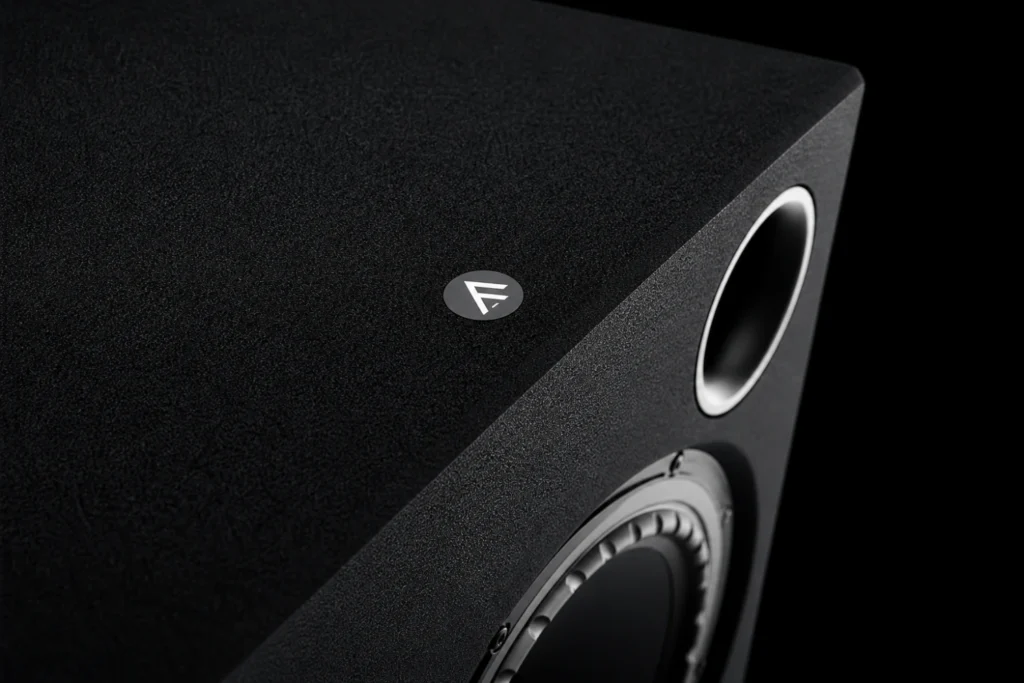
Installation speakers introduce another diagnostic layer. The Fyne Audio Home Theatre Monitor models include threaded mounting points, VESA-compatible inserts and rear cable management. Use the specified hardware and mounting orientation, verify that the wall or ceiling can support the load, and have professional installers handle suspended or concealed systems when there is any doubt.
For conventional standmount speakers, use stands that are stable and correctly sized. A speaker that rocks, touches a wall or has a loose grille can produce mechanical noise that resembles distortion. Floorstanding models should stand level and securely on their intended feet or plinth.
Distortion, rattling or crackling
Try another recording at a lower level. If distortion occurs only on one album or streaming service, the recording or stream may be clipping. If it occurs on every source, reduce the volume and check whether the sound is coming from the speaker, cabinet, stand or a nearby object.
Remove loose items from shelves, check grilles and make sure no cable is touching a vibrating cabinet. Do not press on a driver cone or attempt to repair a torn surround. Crackling that follows one speaker across different sources, especially at modest volume, is a reason to stop testing and contact the manufacturer or a qualified service centre.
Final checklist
- Confirm the source is playing, unmuted and routed to the intended output.
- Select the correct input and test a known-good recording.
- Check every cable, including active-speaker link cables and subwoofer connections.
- Swap channels or cables to identify whether the fault follows the source or speaker.
- Reset balance, EQ, DSP and level controls to sensible starting positions.
- Check speaker polarity, symmetry, listening position and room placement.
- For wireless audio, test a wired input and reduce distance or interference.
- Never open mains-powered equipment or defeat grounding and protection.
- Arrange professional service for persistent one-channel faults, burning smells, electrical noise or internal-looking failures.
A disciplined process usually identifies whether the problem is the source, connection, room, configuration or loudspeaker itself. Once the system is working, change only one setting at a time and keep notes; that turns future troubleshooting from guesswork into a repeatable diagnosis.


Sound Off
0Join the discussion if you have something to add.