
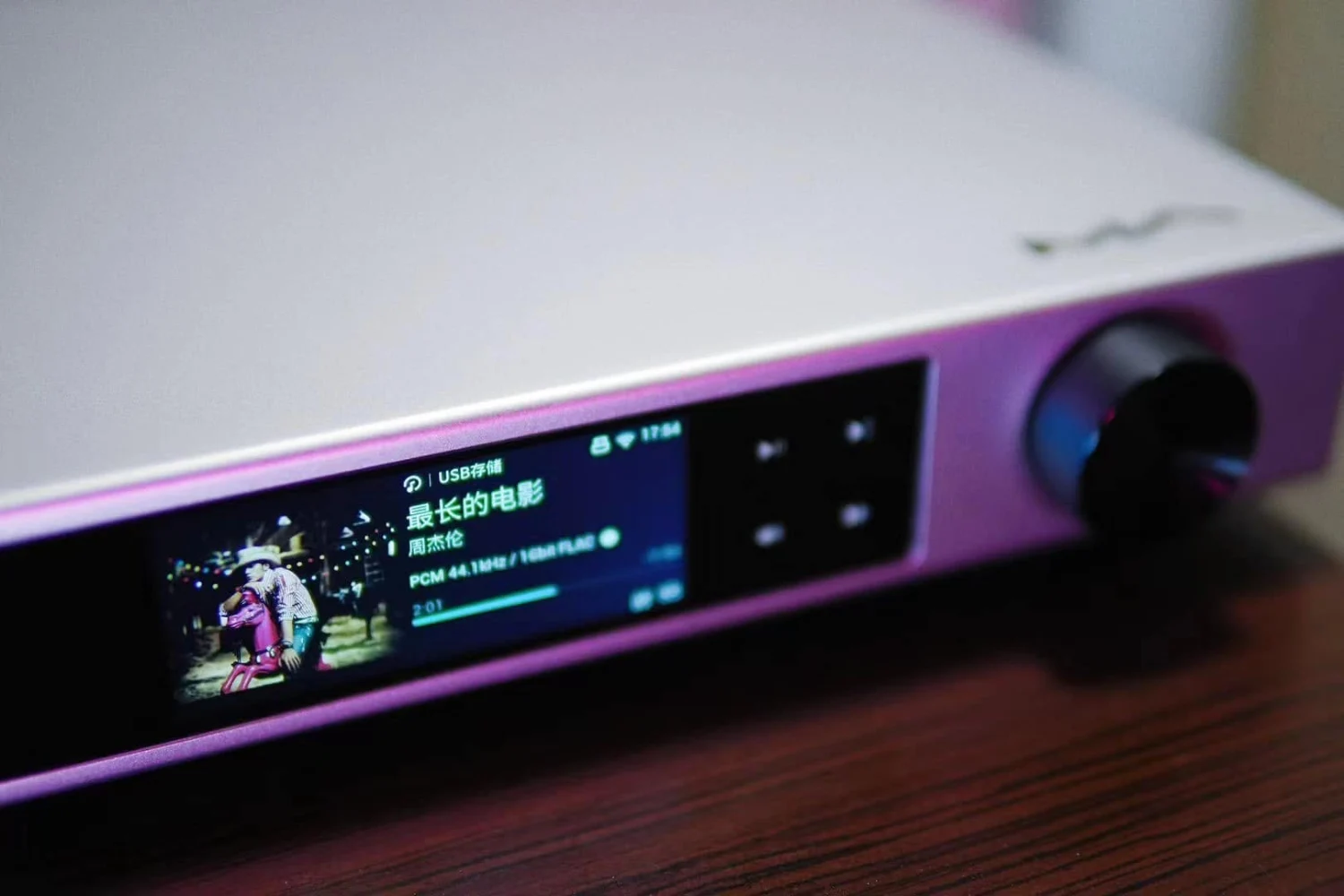
Owning a network streamer is only the beginning. The best results usually come from making a few sensible decisions about how it connects to the rest of the system, where the music comes from and which control method suits your household.
That matters because modern streamers are rarely limited to one job. A single unit might access a subscription service, play files from a NAS, feed an external DAC, control active speakers or provide a headphone output. Used carelessly, those options can also create confusion: volume may be controlled in two places, a wireless connection may be blamed for problems caused by the router, or a perfectly good local music library may be left unused.
The following habits apply broadly to network players, with examples including the Shanling SM50, Denon DNP-800NE, Atoll MS120 and Matrix Audio Element X2 Pure.
What makes the biggest difference
Start by deciding what you want the streamer to do in your system. There are three common roles:
- Digital source: the streamer sends music to an integrated amplifier or preamplifier, usually through its analog outputs.
- Digital transport: the streamer sends a digital signal to a separate DAC.
- Streaming preamp: the player controls volume directly and feeds active speakers or a power amplifier.
These roles are not interchangeable without checking the output settings. The Shanling SM50, for example, provides fixed or variable output on both its RCA and balanced XLR connections. Fixed output is the safer choice when the receiving amplifier controls volume. Variable output is appropriate when the streamer is taking on preamp duties.
Do not run a variable output into an amplifier while also using the amplifier’s volume control casually. It is easy to lose track of the gain structure, and a high streamer setting can produce an unexpectedly loud signal. If your system already has a preamp or integrated amplifier, begin with fixed output and let that component handle volume.
When connecting active speakers or a power amplifier directly, variable output may be useful. Set the streamer to a moderate level before playing music, then increase it carefully. If the player offers a maximum-volume limit or startup-volume setting, use it. Those small safeguards are particularly worthwhile in a shared home where someone else may start playback from a phone.
Choose the connection according to the room, not fashion
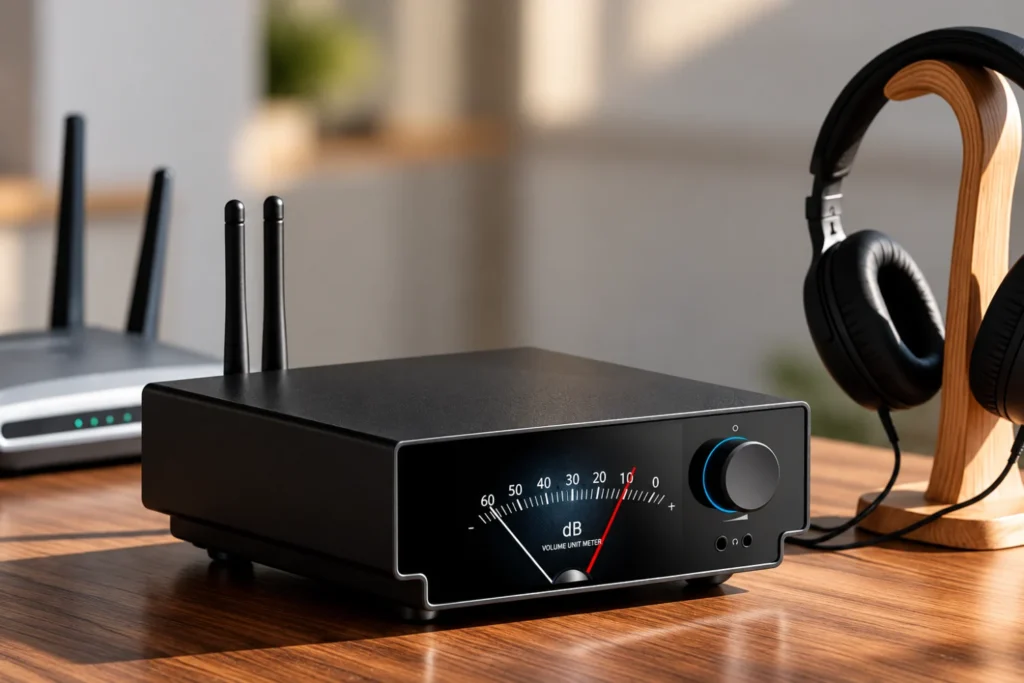
Ethernet is usually the simplest recommendation when the router is close enough to the hi-fi system. It avoids dependence on wireless signal strength and is generally easy to troubleshoot: if the network cable is connected and the router is working, the streamer should have a stable path to the internet and local devices.
Wi-Fi is perfectly practical when running a cable would be difficult. Place the streamer where it receives a strong signal rather than hiding it inside a closed cabinet or positioning it beside a large collection of wireless equipment. If your router offers both 2.4GHz and 5GHz networks, try the one that provides the most reliable connection at the listening position. The fastest theoretical band is not always the most dependable through walls.
The Denon DNP-800NE supports both Ethernet and Wi-Fi, including 2.4GHz and 5GHz operation, while its WMM support is intended to give multimedia traffic priority. The Matrix Audio Element X2 Pure also includes gigabit Ethernet and dual-band Wi-Fi. Those capabilities make either type of installation possible, but they do not remove the basic rule: stability matters more than the connection label.
If playback stops, test the streamer close to the router or temporarily use Ethernet if possible. This separates a wireless coverage problem from an issue with the streaming service, app or player. Rebooting the router should not be the first and only diagnosis.
Use the service app when it gives you the best control
There is no need to force every service through the streamer manufacturer’s app. Protocols such as Spotify Connect, Tidal Connect and Qobuz Connect allow the relevant service app to select the player and send playback to it. Many listeners find this more convenient because playlists, recommendations and search are already familiar there.
The Shanling SM50 supports Tidal Connect and Qobuz Connect, as well as Roon Ready, AirPlay 2, DLNA and Squeezelite. The Matrix Audio Element X2 Pure supports Tidal Connect, Spotify Connect, AirPlay 2 and DLNA, with MA Remote available for player management and firmware updates. The Denon DNP-800NE combines Spotify Connect and AirPlay 2 with its HEOS control system.
Use the dedicated control app when you need access to inputs, local network folders, device settings or firmware updates. Use the service’s own app when browsing that service is faster there. In practice, a good setup may involve both: the manufacturer’s app for configuration and a service app for everyday listening.
AirPlay 2 is especially useful in homes with Apple devices because it provides a straightforward route from an iPhone, iPad or Mac. It can also help with casual listening when the user does not want to learn a separate control application. DLNA and UPnP remain useful for local libraries, though the experience depends heavily on the media server and control app being used.

Make your local library part of the system
Streaming subscriptions are convenient, but a network player becomes more flexible when it can also reach music stored at home. If you have a NAS, computer or USB drive containing albums, organise the library before troubleshooting the player. Use consistent artist and album names, embed artwork where possible and separate incomplete downloads from finished albums.
The Shanling SM50 can access files on a NAS and attached USB storage. The Atoll MS120 supports playback from local network devices and USB drives, with front and rear USB connections. It supports formats including FLAC, WAV, ALAC and AIFF up to the limits specified for the player. The Denon DNP-800NE can also play files from DLNA servers and USB storage, including high-resolution PCM and DSD files within its supported specifications.
Keep the library on a device that remains available. A laptop that frequently sleeps is a poor long-term music server, while a NAS or always-on desktop is more dependable. If a folder disappears from the streamer, check that the server is awake, the sharing permission has not changed and both devices are on the same network.
For everyday listening, lossless FLAC is a practical default because it preserves the audio data while using less storage than uncompressed WAV. It is also widely supported by network players. You do not need to convert an entire collection immediately, however. A mixed library of FLAC, ALAC, WAV and other supported formats is usually workable if the player lists them as compatible.
Do not chase an old format when the service has moved on
Streaming catalogues change. Tidal’s move away from MQA and 360 Reality Audio is a useful reminder that a familiar badge on an old playlist is not the same thing as a permanent feature of a service. Tidal replaced MQA streams with FLAC versions where available and removed 360 Reality Audio, retaining Dolby Atmos as its supported multichannel format at the time of the change.
For listeners, the practical response is simple: use the version currently offered by the service rather than trying to preserve a discontinued format at all costs. FLAC is an open format and, for ordinary two-channel listening, provides a sensible lossless basis for streaming and local libraries.
If you downloaded MQA albums for offline listening during that transition, the Tidal app needed updating and the albums needed to be downloaded again in FLAC. The broader lesson remains relevant whenever a service changes its catalogue: refresh the app, check the album’s current version and do not assume that an old download is still available.

Use a separate DAC only when it solves a real system problem
A streamer with an internal DAC can be connected directly to an amplifier through its analog outputs. That is often the cleanest arrangement, with fewer boxes and fewer variables. Add an external DAC when you have a specific reason: perhaps you already own one, need a particular input, or prefer its integration with the rest of the system.
The Shanling SM50 illustrates both approaches. Its internal ESS Sabre ES9039Q2M DAC can provide analog output, but coaxial S/PDIF and USB audio outputs allow it to act as a digital transport. The Atoll MS120 likewise offers linear analog output alongside optical and coaxial digital outputs for an external converter.
When using a separate DAC, select the correct digital input and check whether the DAC locks to the signal. If there is no sound, verify the output type first: optical and coaxial are not interchangeable cables, and USB audio may require the computer or player to recognise the DAC before playback begins.
Do not change several components at once. Listen with the internal conversion stage, then compare the external DAC at matched volume if you want to judge the difference. A louder signal often sounds more impressive, so keep the comparison level as similar as possible.
Use headphone features deliberately
A streamer with a headphone amplifier can be a useful second system, particularly on a desk or in a compact room. The important settings are gain and connector choice, not simply the presence of a headphone socket.
The Shanling SM50 has both a 3.5mm single-ended output and a 4.4mm balanced Pentaconn output, with two selectable gain settings. Its published figures show substantially more output from the balanced connection into a 32-ohm load, but that does not mean every headphone should be rewired or used balanced. Use a cable designed for the headphone and output, and follow the manufacturer’s guidance.
The Denon DNP-800NE provides low, medium and high headphone gain settings, including options intended for higher-impedance headphones. Begin with low gain and increase it only if the available volume is insufficient. High gain is not automatically better; it can make the usable volume range smaller and increase the risk of an accidental loud start.
Mute or pause the speaker system before connecting headphones if your player does not automatically manage both outputs. Also check whether the streamer’s volume control affects the headphone output independently from the line output. If the answer is unclear, start playback at a low level.
Use the display and remote as practical tools
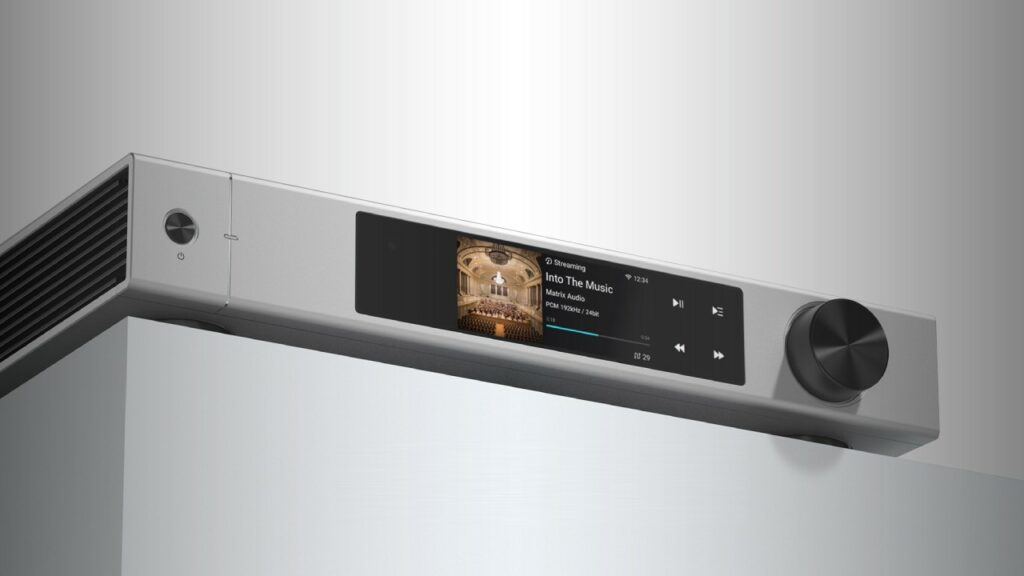
Touchscreens and front-panel displays are most useful for quick checks, not for replacing a phone in every situation. Confirm the active input, network status, volume and track information from the front panel before opening an app. This can save time when a system appears silent simply because the amplifier is on the wrong input.
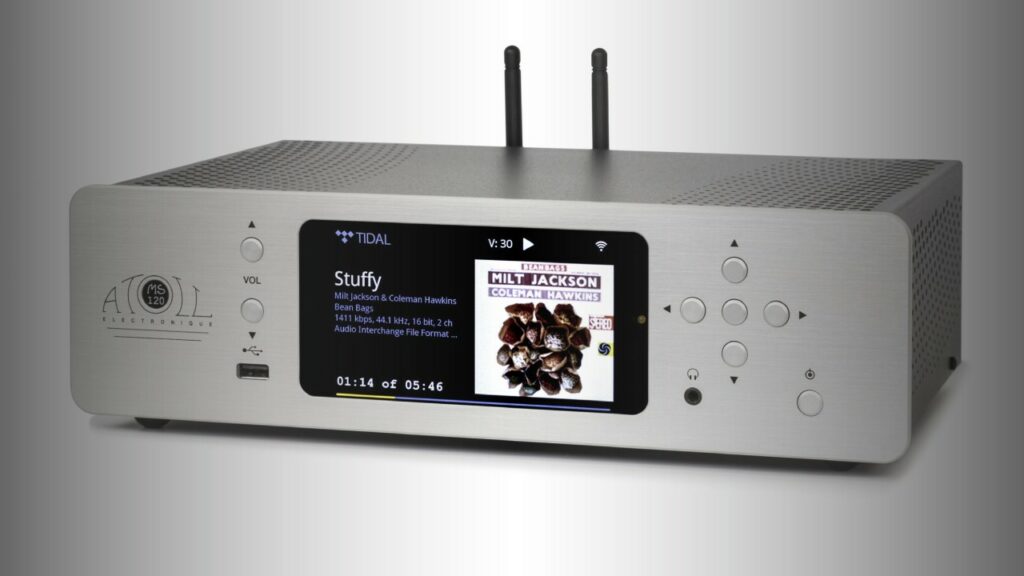
The Matrix Audio Element X2 Pure has a 3.46-inch touchscreen for playback control and track information. The Atoll MS120 uses a colour TFT display that can show album artwork, file names, time and playback duration, while its display shut-off time can be adjusted. The Denon DNP-800NE has a three-line OLED display whose brightness can be changed or switched off.
Set the display to turn off or dim during serious listening if it distracts you. For casual use, leave enough information visible to identify the source and track. A conventional remote remains valuable for pause, volume and input changes, especially when the phone is elsewhere or another person is using the system.
Keep firmware and control apps current, but update at a convenient time rather than immediately before a listening session. After an update, check network login details, favourites and output settings. A software update can change menus even when the basic playback functions remain familiar.
What not to worry about
You do not need to use the highest available resolution for every album. A well-produced 16-bit/44.1kHz lossless version is entirely suitable for many recordings. Higher-resolution files can be useful when they are the version you prefer, but the quality of the recording and mastering generally matter more than a larger number in the app.
Nor should you replace a stable Ethernet connection merely because a streamer has an expensive Wi-Fi section. Conversely, you do not need to install Ethernet if Wi-Fi is reliable in the listening room. Use the connection that gives uninterrupted playback and fits the room.
Finally, do not buy extra boxes simply because a streamer offers many outputs. The Matrix Audio Element X2 Pure is designed as a comprehensive source with a preamplifier, multiple digital inputs and RCA and XLR outputs, while the Shanling SM50 combines streaming, DAC, preamp and headphone functions in a compact chassis. Those features are valuable when they match your system; they are unnecessary if you already have equivalent components that work well.
The most effective upgrade is usually a clearer signal path from your chosen service or library to the component that should control volume. Once that is established, stable networking, sensible app choice and properly organised local files will do more for day-to-day enjoyment than endlessly changing formats or cables.


Sound Off
0Join the discussion if you have something to add.