
Choosing an AV receiver can feel like shopping for a small computer written in a language of numbers: 5.1, 7.2.2, 8K, eARC, Dolby Atmos and room correction all appear important, but they do not all matter equally. The best choice depends first on your room, speakers and the way you watch and listen.
An AV receiver, or AVR, is the control centre of a home cinema system. It switches video from sources such as a games console or streaming box, sends the picture to your television or projector, decodes surround-sound formats and powers the connected speakers. That combination makes it convenient, but it also means that a poor match can leave you paying for unused channels or struggling with connections you did not need.
This guide is built around one practical question: what will make the biggest difference in your system, and what can you safely ignore?
What you actually need
Start with the speakers you want to use, not with the receiver’s longest feature list. A basic 5.1 system has three front speakers, two surround speakers and a subwoofer. The first number describes the main speaker channels; the number after the dot describes subwoofer outputs. A model described as 7.2 can power seven main channels and connect to two subwoofers.
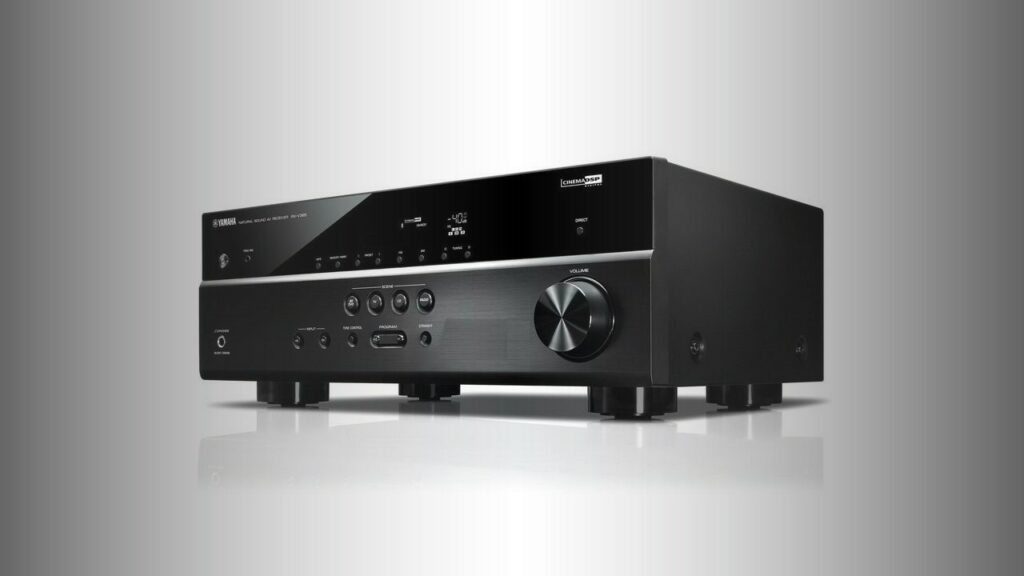
For a typical living room, 5.1 remains a sensible starting point. The Yamaha HTR-2071 uses a 5.1 configuration and includes features intended for ordinary rooms, including virtual surround options when rear speakers cannot be positioned behind the listening seat. That is a useful reminder that speaker placement often matters more than buying a receiver with more channels.
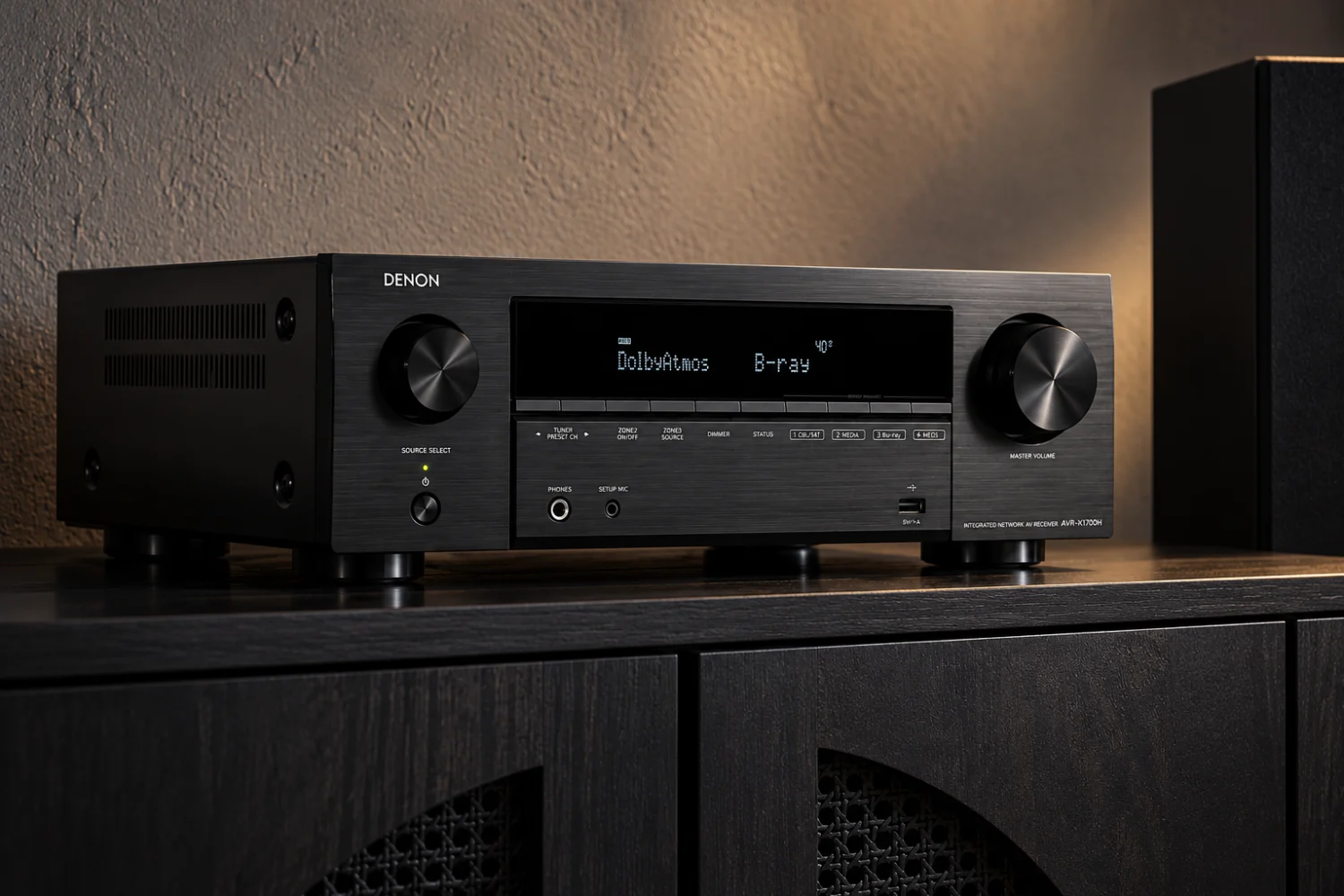
If you want overhead or height effects from Dolby Atmos or DTS:X, you need more than a compatible logo. You need either speakers mounted in or near the ceiling, or an arrangement designed to reflect sound from the ceiling. A seven-channel receiver such as the Denon AVR-X1700H can be used for a 5.2.2 system: five main channels, two subwoofers and two height channels. That can suit a normal apartment or living room without requiring a much larger cinema installation.
Do not choose seven channels simply because seven is more than five. Those extra amplifier channels are valuable only if you have the space, speakers and listening position to use them. If your rear speakers must sit close to the front speakers, or if the room is open at one side, a theoretically larger layout may bring less benefit than better positioning and calibration.
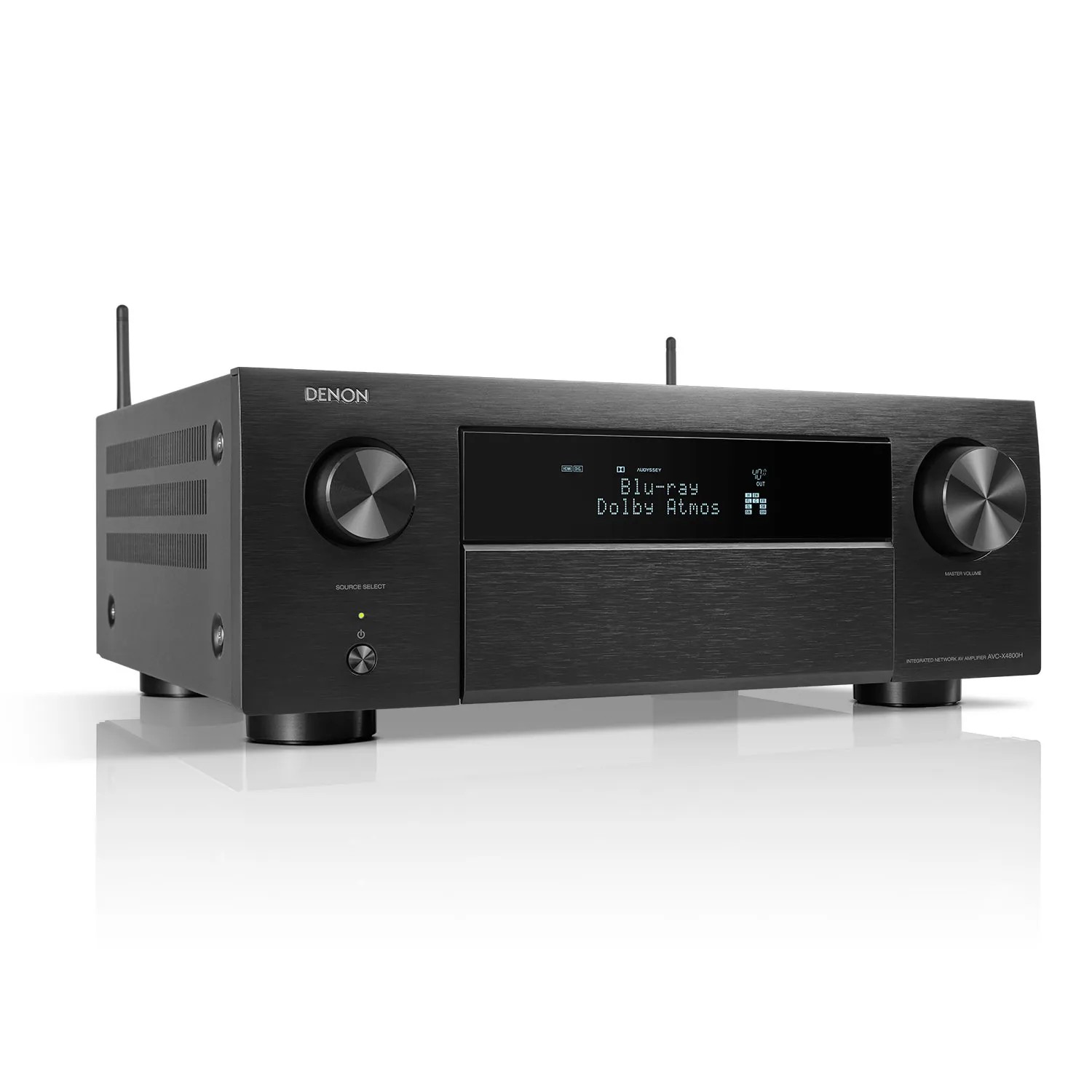
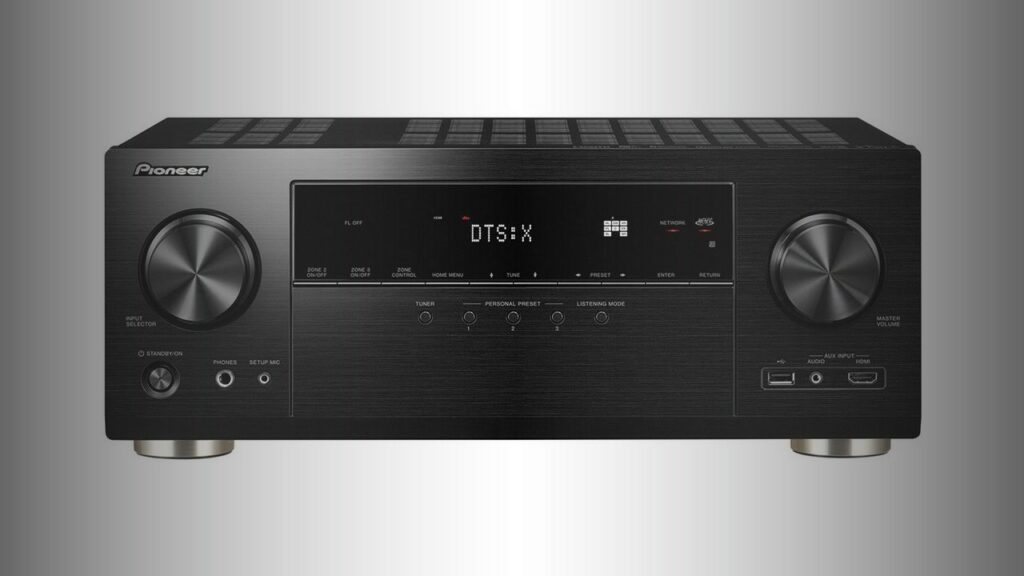
More ambitious systems need more processing and amplification. The Pioneer VSX-LX305 has nine amplified channels and supports layouts such as 5.2.4 or 7.2.2. The Denon AVC-X3800H also has nine amplification channels, with processing for up to 11.2 channels and outputs that can support additional power amplification. Those models make sense when expansion is part of the plan, not merely because their specification looks impressive.
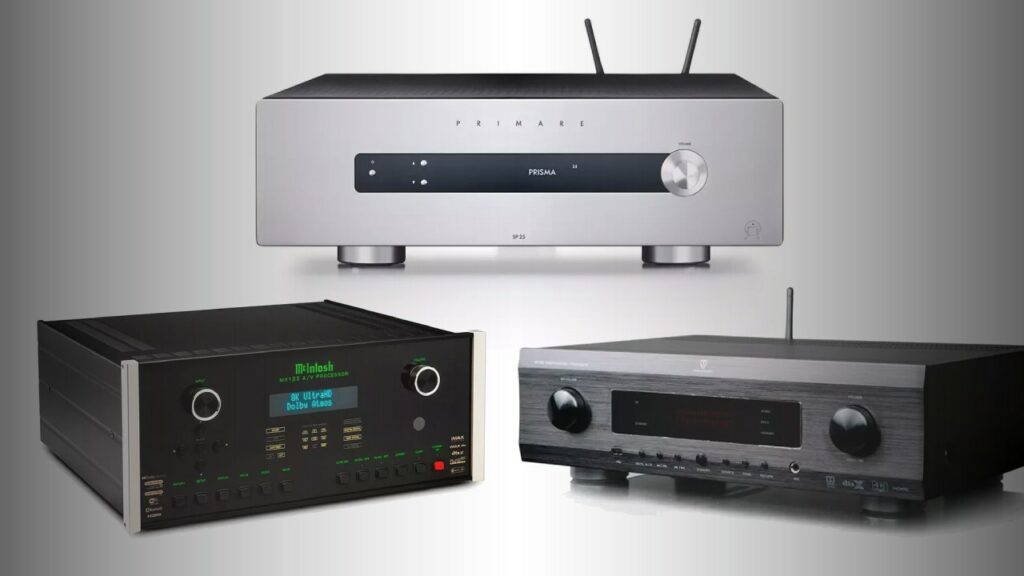
There is also a separate category called an AV processor. Unlike an AVR, it normally handles switching and decoding but does not power the speakers by itself; separate power amplifiers are required. The AV processor guide includes examples such as the Arcam AV41 and Marantz AV10. This route can be excellent for a dedicated home theatre, but it is usually more complex and expensive than an integrated receiver. For most beginners, an AVR is the more practical starting point.
Finally, check the physical basics. Make sure there is room for the receiver around the equipment rack, with ventilation above it, and that your speaker cables can reach it. Receivers are often deeper and heavier than expected: the Yamaha HTR-2071 is listed at 7.7kg, while the Denon AVC-X3800H is listed at 12.5kg. That difference matters when a cabinet is shallow or difficult to access.
The specs that matter
Channels: Treat the channel count as a plan for your room, not a score. Five powered channels are enough for 5.1. Seven allow either a larger conventional surround system or a 5.1.2 Atmos arrangement. Nine channels open the door to more height speakers, such as 5.2.4, provided the receiver supports that layout.
Power: Wattage figures need careful reading. Manufacturers may quote one channel operating, at a particular impedance and distortion level. The Pioneer VSX-LX305, for example, is specified at 170 watts per channel at 8 ohms with one channel driven and 1% total harmonic distortion; its 185-watt figure uses different conditions. These numbers are useful for broad orientation but are not a guarantee of how loudly every channel will play at once.
For a beginner, speaker sensitivity, room size and listening distance are usually more helpful than chasing the highest wattage number. A receiver with sensible power reserves is desirable, but an ordinary living room does not automatically require a giant amplifier. If you listen very loudly, sit far from the speakers or use difficult-to-drive speakers, power becomes more important.
HDMI inputs and outputs: Count your sources before buying. Add a games console, Blu-ray player, streaming box, set-top box and perhaps a computer, then leave at least one spare input. The Yamaha HTR-2071 has four HDMI inputs; the Denon AVR-X1700H has six; the Pioneer VSX-LX305 and Denon AVC-X3800H each list seven. More inputs are convenient, but only if the receiver supports the video signals your equipment actually uses.
Video compatibility: 4K and 8K labels do not tell the whole story. If you own a 4K television, look for support for the relevant HDR formats and copy-protection standards, as well as the refresh rates required by your console or source. The Yamaha HTR-2071 supports 4K/60Hz, HDCP 2.2, HDR and BT.2020 pass-through. The newer Denon and Pioneer models list 8K/60Hz support, alongside HDR formats including Dolby Vision. Choose according to your display and sources rather than treating 8K as an automatic reason to upgrade.
Gamers should pay particular attention to refresh rate and latency support. The Denon AVR-X1700H includes a Low Latency mode, while the Denon AVC-X3800H lists technologies intended to optimise gaming signals. Such features matter more to a console owner than a long list of cinema decoding formats that may never be used.
eARC: Enhanced Audio Return Channel sends sound from a compatible television back to the receiver through the HDMI cable. It is useful if you use the TV’s built-in streaming apps and want their sound through the surround system. The Denon AVR-X1700H and AVC-X3800H both include eARC. Check that the television and the receiver are connected to the correct HDMI sockets, and use a suitable cable.
Room correction: Auto-calibration uses a supplied microphone to measure how sound behaves at the listening position and adjusts levels, delays and equalisation. It cannot fix a speaker hidden behind furniture or a subwoofer placed in a terrible location, but it can make a multi-speaker system easier to balance.
The Denon AVR-X1700H uses Audyssey MultEQ XT, while the AVC-X3800H includes Audyssey MultEQ XT32 and SubEQ HT. The Pioneer VSX-LX305 uses MCACC. These systems have different capabilities, but the beginner’s lesson is the same: calibration is a useful starting point, not a substitute for sensible placement. Run it with the room arranged as you normally use it, then check the results rather than accepting every setting blindly.
Streaming and control: If music is important, look for the services and connections you already use. The Denon receivers include HEOS, AirPlay 2, Bluetooth and network playback; the Pioneer supports services and platforms including Spotify, TIDAL, Deezer, Chromecast, AirPlay 2 and DTS Play-Fi. The Yamaha HTR-2071 can be supplemented with a Bluetooth adapter, rather than offering the same level of built-in network functionality described for the newer models.
These features affect daily convenience more than sound quality. A receiver that works with your phone, television and preferred streaming service is more likely to be used than one with impressive decoding formats hidden behind an awkward setup.

Common beginner mistakes
Buying too many channels too soon. A nine-channel AVR cannot create a convincing 5.2.4 installation if the room cannot accommodate four height speakers. Decide where each speaker will go before paying for the channels.
Ignoring speaker placement. The centre speaker should be close to the screen and aimed toward the listening position. Front speakers should form a sensible left-right stage, while surround speakers should not be placed so close that one dominates. Keep the subwoofer away from being trapped tightly in a cabinet. Small changes in position can be more audible than a modest change of receiver.
Assuming virtual surround equals physical speakers. Processing such as Yamaha’s Virtual Cinema DSP or Dolby Atmos Height Virtualization can add spaciousness when speaker placement is limited. It is helpful, but it does not reproduce the same directional information as properly positioned speakers.
Reading power figures as if they were directly comparable. Check the impedance, frequency, distortion and number of driven channels behind the headline wattage. A lower published figure measured across a wider frequency range and with two channels operating may be more informative than a larger number measured under easier conditions.
Forgetting HDMI requirements. A receiver is part of the video chain. If a console, television or projector needs a particular refresh rate, HDR format or copy-protection standard, confirm that the receiver passes it through. Otherwise you may have to connect the source directly to the display and send audio back separately.
Overlooking the television’s audio settings. After connecting eARC, set the TV to output audio through the receiver and select an appropriate bitstream or passthrough mode where available. If the television is still using its internal speakers, the receiver is not necessarily at fault.
Expecting auto-calibration to do everything. Keep the microphone at ear height, measure from the main listening position and avoid placing it on a table. Check speaker polarity, crossover settings and subwoofer level afterwards. If the result sounds wrong, repeat the process or make a small adjustment rather than immediately replacing the receiver.
A simple way to choose
Step one: draw the system. Mark the television, listening seat and possible speaker positions. Decide whether you need 5.1, 5.1.2, 7.1 or something larger. If you cannot place the speakers properly, reduce the ambition of the layout.
Step two: list every source. Include current devices and likely additions. Four HDMI inputs may be plenty for a television, console and streaming box; a larger collection may justify six or seven. Count HDMI outputs too if you use both a television and projector.
Step three: identify the features with a real use. Choose eARC if the television’s apps matter. Prioritise gaming-related HDMI features if you own a modern console. Choose Dolby Atmos and DTS:X support if you intend to install height speakers. Choose network streaming if the receiver will also be your main music hub.
Step four: select the right size of receiver. For a straightforward 5.1 system, an entry-level model such as the Yamaha HTR-2071 illustrates the essentials. For a 5.1.2 system in a normal room, the seven-channel Denon AVR-X1700H shows the kind of expansion that becomes useful. If you need four height speakers, more inputs or a future route to external amplification, the nine-channel Pioneer VSX-LX305 or Denon AVC-X3800H is more appropriate.
Step five: budget for the complete system. Leave money for speakers, a subwoofer, suitable cables and perhaps speaker stands or wall brackets. A receiver cannot compensate for an inadequate subwoofer or badly placed speakers. It is better to build a well-positioned 5.1 system gradually than to buy a powerful AVR and postpone the speakers that make its extra channels worthwhile.
Step six: set it up methodically. Connect the display and sources, label the HDMI inputs, connect speakers with the receiver switched off, and check polarity. Set the speaker sizes and crossover as a starting point, run room correction, then watch a familiar film and listen to familiar music. Keep the settings that improve clarity and balance; ignore modes that merely make the sound louder or more dramatic.
The right AV receiver is therefore the one that fits your room and your habits. Channel count determines what you can build, HDMI determines whether your sources work properly, calibration helps the system behave in the room, and streaming features determine how easy it is to live with. Once those decisions are clear, the model choice becomes much less mysterious—and you are far less likely to pay for hardware that never gets used.



Sound Off
0Join the discussion if you have something to add.