
Once an amplifier is installed, it is tempting to leave every control alone and assume the job is finished. In practice, many amplifiers offer useful configuration options that are easy to overlook: cartridge loading, source-specific gain, network playback, parametric EQ, external DAC loops and home-cinema integration.
The most effective improvements usually come from making the amplifier suit the rest of the system. That means matching it to the speakers, setting the correct input conditions for analogue sources, choosing the cleanest connection for each source and using convenience features without allowing them to complicate everyday listening.
Here is how to get more from a range of modern amplifier designs, from the network-equipped FiiO AIR AMP and Hegel H200 to the analogue-focused Vinnie Rossi Canta Integrated and Rega Aria phono stage.
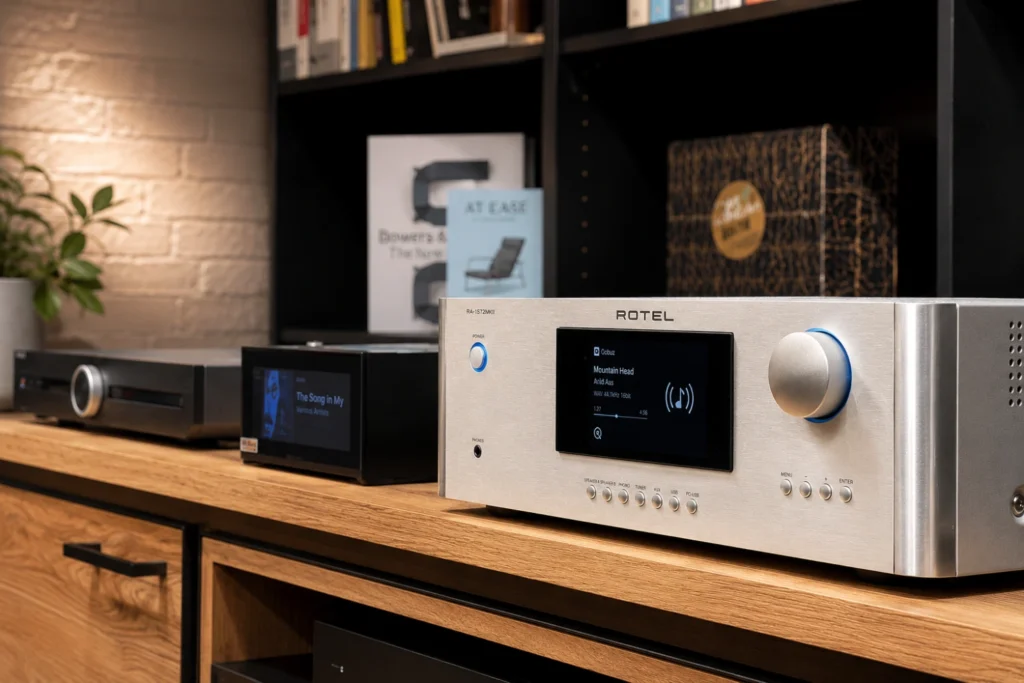 Hi-Fi Amplifier Buying Tips Every Audiophile Should Know
Start by mapping the signal path
Before changing settings, write down what each component is doing. A simple system might run a turntable into a phono stage, a streamer into a DAC or digital input, and both into an integrated amplifier. A compact all-in-one system may perform several of those jobs in one box.
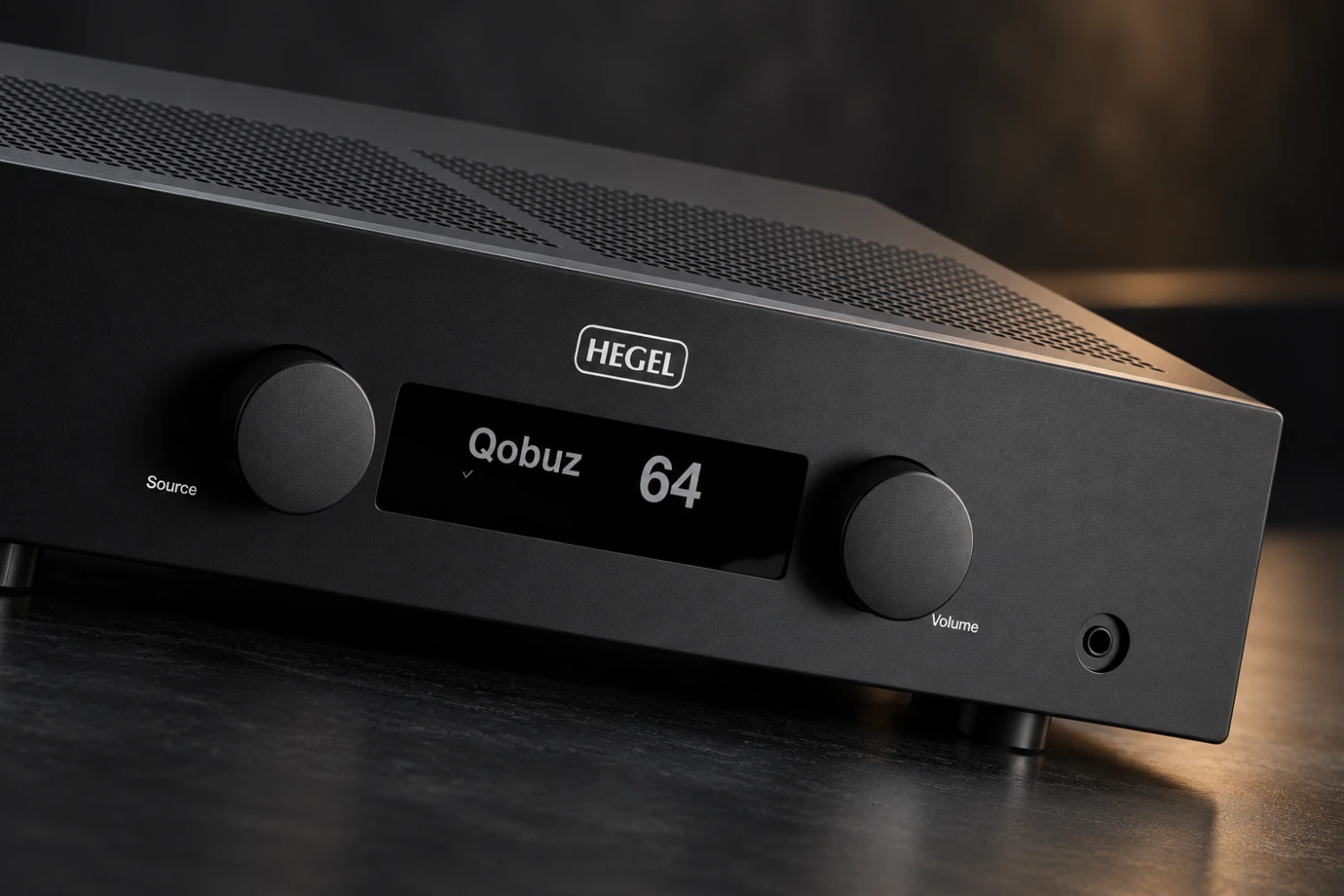
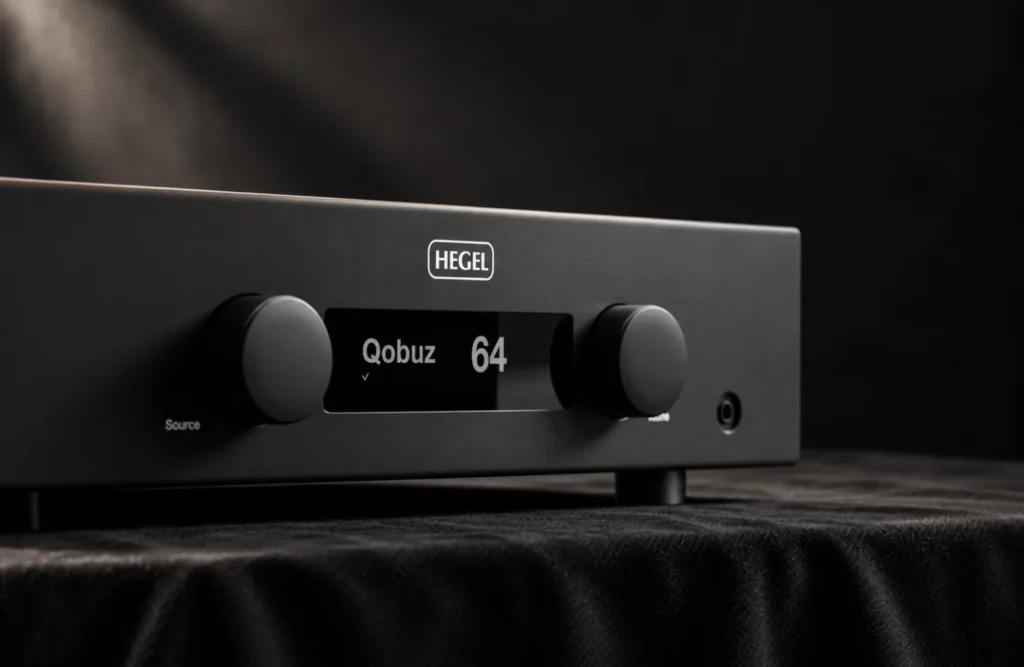
This matters because unnecessary conversions and duplicate controls can make troubleshooting difficult. The Hegel H200, for example, combines amplification, streaming, digital conversion and a dedicated phono input. Its phono input keeps incoming analogue signals in the analogue domain, so a turntable connected there does not need to be digitised before amplification. It also includes balanced XLR connections and a DAC-Loop that can send a digital signal to an external DAC and return the converted analogue signal to an amplifier input.
That gives the H200 owner a clear choice: use the internal DAC for a straightforward system, or insert an external converter when comparing digital hardware. The useful habit is to change one part of the path at a time. If you add a DAC, keep the same source, volume and music track while comparing it with the internal converter. Otherwise, it becomes easy to mistake a level difference or a change in software playback for a change in sound quality.
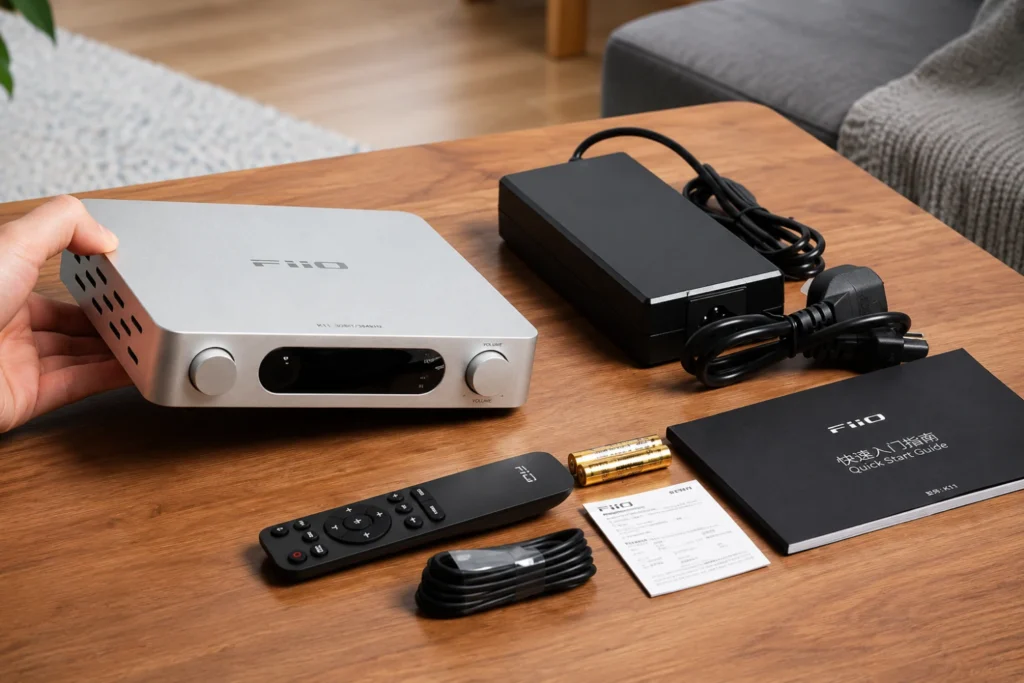
The same principle applies to a compact design such as the FiiO AIR AMP. Its network playback, USB storage access, DAC and Class D power stage are combined in one chassis. Fewer boxes are required, but it is still worth noting whether music is coming from a network service, a local USB drive or an external input before diagnosing a problem.
Match the amplifier to the speakers, not just the wattage figure
Power ratings are useful, but they are not a complete guide to system compatibility. Speaker sensitivity, impedance behaviour, room size and listening distance all affect how hard an amplifier must work. The general principles in Stereoindex’s amplifier buying guide remain useful after purchase: current delivery, power-supply design and stability under load matter alongside the headline wattage.
In practical terms, listen for signs of strain rather than chasing a particular number. Bass that becomes soft at higher levels, a presentation that hardens during dense passages, or an amplifier that runs unusually hot may indicate that the speaker load or listening level is demanding. If those symptoms occur, first check speaker wiring and ventilation, then reduce the volume and consider whether the amplifier and speaker combination is appropriate.
The documented output ratings illustrate why context matters. The Hegel H200 is rated at 150 watts per channel into 8 ohms. The Vinnie Rossi Canta Integrated is rated at 125 watts per channel into 8 ohms and 250 watts into 4 ohms. The FiiO AIR AMP is rated at 120 watts per channel into 4 ohms with its supplied 48V/5A adapter. Those figures are not directly interchangeable because the test loads and amplifier designs differ.
Use the amplifier’s rated speaker load as a starting point, keep the speaker cables secure, and avoid running the amplifier into clipping simply to achieve a louder presentation. A little headroom is more valuable than operating continuously at the edge of the amplifier’s capability.
Set phono loading carefully and treat it as a system adjustment
If you use a moving-magnet or moving-coil cartridge, the phono stage deserves more attention than it usually receives. Incorrect loading can alter tonal balance and gain structure, while a poor connection or unsuitable grounding arrangement can introduce hum.
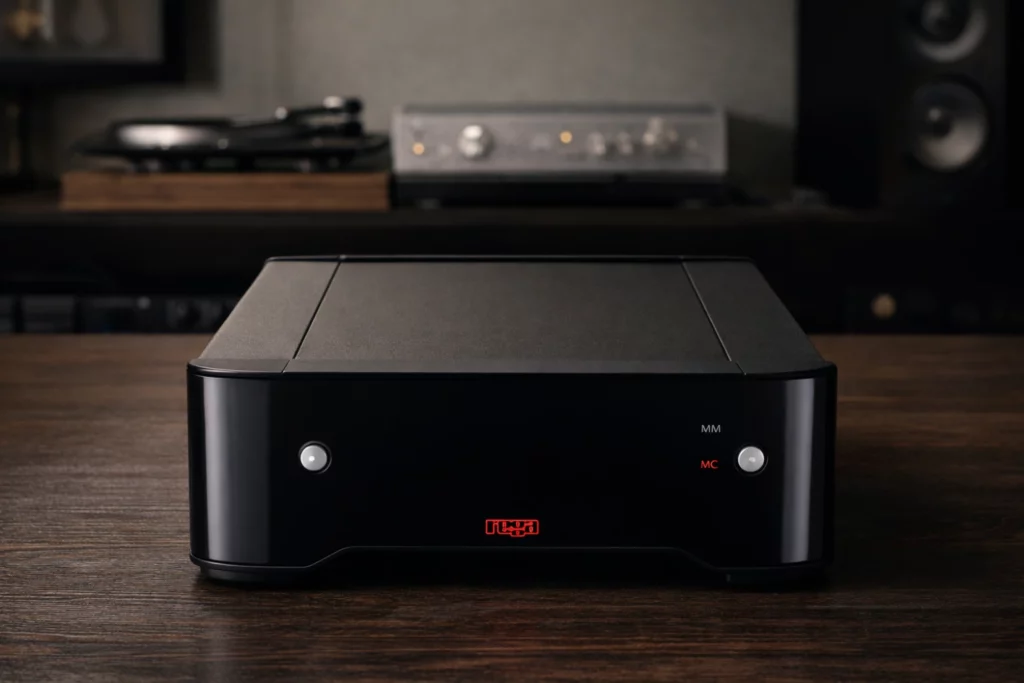
The Rega Aria is particularly useful for demonstrating the workflow. It has separate MM and MC inputs, a front-panel MM/MC selector and rear-panel adjustments for MC impedance, gain and capacitance. Its MC options include 70, 100, 150 and 400 ohms, two gain settings of 63.5 or 69.3 dB, and four capacitive-load settings. The source article notes that the markings can be confusing, so use the manual rather than guessing at the dip-switch positions.
Begin with the cartridge manufacturer’s recommended load and gain. If no recommendation is available, use the cartridge’s published electrical data and make only one change at a time. Excessive gain can raise noise and reduce usable volume-control range; insufficient gain can make the system seem flat simply because the amplifier is being used near the top of its control range.
For MM cartridges, the Aria uses a 47 kOhm input impedance with a stated 100 pF condition, and its MM input does not offer the same adjustment range as the MC section. That is a reason to pay attention to the turntable’s tonearm cable capacitance and any manufacturer guidance rather than assuming that every MM cartridge will respond identically.
Keep the phono cables away from mains transformers, power adapters and wireless equipment. Connect the turntable’s ground lead if the combination requires one, and make sure the left and right RCA plugs are fully seated. These basic steps often make a more audible difference than swapping interconnects.
Use streaming and local files according to the job
Network-enabled amplifiers are most convenient when each playback method has a clear role. Streaming services are ideal for discovery and quick access. Local files are useful when you want a stable library, particular masterings or playback independent of a service catalogue.
The FiiO AIR AMP supports dual-band Wi-Fi, Gigabit Ethernet, USB storage, portable hard drives and network-attached storage. The FIIO Control app is used to select music from local libraries, while the amplifier can also be controlled through a web interface and infrared remote. If the amplifier is installed permanently near the network router, Ethernet is the sensible first choice because it removes wireless signal strength from the equation. Wi-Fi is more practical when cable routing would be awkward.
For a large library, use consistent folder names, embedded metadata and a backup drive. Do not treat a network-attached storage device as a backup by itself; it is still vulnerable to drive failure or accidental deletion. If an album is difficult to locate in the app, fixing the library structure will usually help more than changing amplifier settings.
The Hegel H200 offers a different network workflow. It supports Roon, Qobuz Connect, AirPlay, Google Cast and Spotify Connect, while the Hegel Control app provides internet radio, podcasts and access to local music. It can also play files from rear USB storage and retrieve music from a DLNA share. Choose the platform that makes browsing easiest for your household, not simply the one with the longest feature list.
Use EQ as a correction tool, not a permanent complication
Room acoustics can create larger tonal problems than small changes between competent electronics. If your amplifier includes equalisation, use it to address a repeatable problem at the listening position rather than continually reshaping the sound by ear.
The FiiO AIR AMP provides automatic EQ and a 10-band parametric equalizer through its app and web controls. Start with the automatic result if available, then check it with familiar recordings. If the bass is consistently excessive around a particular frequency, a narrow, modest cut is generally safer than applying a large boost elsewhere. Avoid stacking EQ in multiple applications, such as the amplifier, operating system and streaming software, because the combined result can be difficult to predict.
Make one change, save it with a descriptive name and listen for several tracks. If you use different listening positions, remember that an EQ profile optimised for one chair may not work as well across a sofa. Equalisation cannot fix a rattling object, a badly positioned speaker or a loose connection, so deal with those physical problems first.
Level-match sources and use source-specific controls
Different source components rarely produce exactly the same output level. The louder source will often sound more impressive during a quick comparison, even when the tonal balance is unchanged. Matching levels before evaluating sources is one of the simplest ways to make listening tests more reliable.
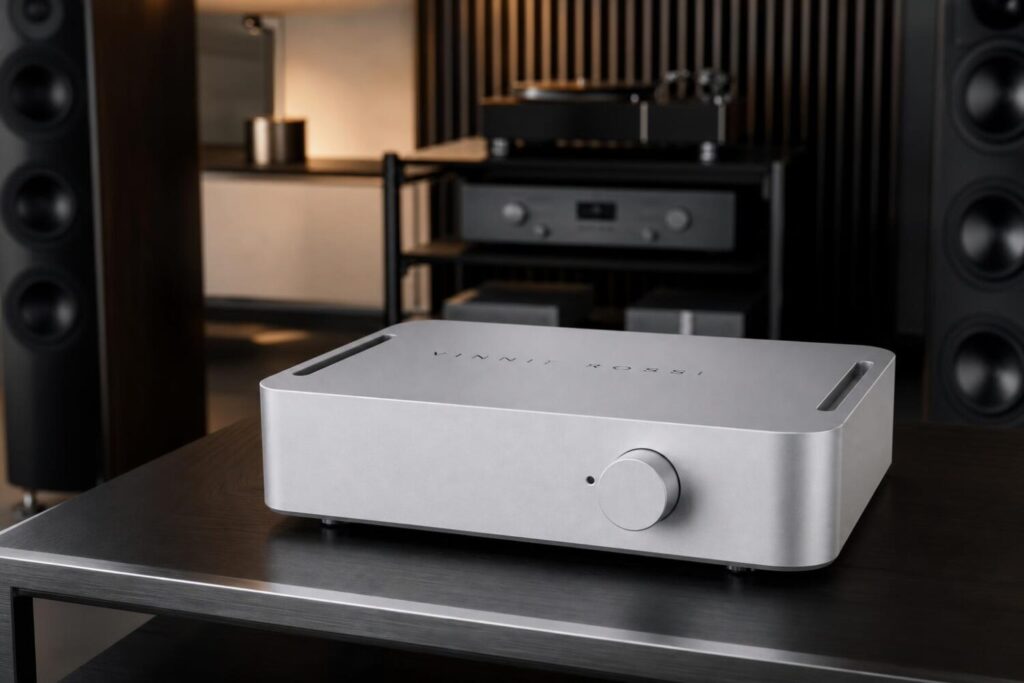
The Vinnie Rossi Canta Integrated makes this process unusually practical. Its four analogue inputs can retain individual low, medium or high gain settings, as well as one of 12 balance positions for each input. Use those memories to make a turntable, DAC, tuner or CD player arrive at a similar listening level when you switch between them. Once set, you should not need to reach for the volume control every time you change source.
Make the adjustment with a familiar recording and leave a little margin. A source-specific gain setting should improve consistency, not force the amplifier to run close to maximum output. If one input sounds noticeably noisier after its gain is increased, return to a lower setting and accept a slightly different volume-control position.
The Canta is an all-analogue amplifier with four line-level inputs, including balanced XLR and unbalanced RCA connections. That means digital sources need their own DAC before entering the amplifier. This is not a disadvantage if you already have a preferred digital front end; it simply makes the signal path explicit.
Configure television and home cinema for fewer daily steps
A system that sounds excellent but requires a complicated sequence of remote-control commands will eventually be used less often. If an amplifier is part of a television or shared-room system, set up the simplest reliable control method.
The Hegel H200 has no HDMI input, but television audio can be connected optically. It can recognise infrared commands from a range of television remotes, including Samsung, LG and TCL models, and can respond to television volume commands and switch to the relevant input when the screen is activated. This is a good example of using the available connection intelligently rather than assuming HDMI is essential in every system.
Owners of the Vinnie Rossi Canta Integrated can use its Home Theater Bypass mode when the amplifier shares the front speakers and power-amplifier section with a surround processor or receiver. In that arrangement, the surround processor controls the bypassed signal’s volume. Check the manual carefully before enabling bypass: a bypass input is intended to work at a fixed or controlled level, and using the wrong input for ordinary two-channel listening can remove the expected volume protection.
For a simple television setup, optical output is usually best configured to PCM unless the amplifier specifically supports the television’s alternative digital formats. Disable unnecessary television sound processing when possible, and confirm that the amplifier is changing volume rather than merely leaving the TV speakers active.
What makes the biggest difference
Start with speaker placement, listening position and level. Then check the signal path, phono loading and source gain. These steps are more likely to produce a clear improvement than changing a mains cable or worrying about tiny differences between interconnect materials.
Give the amplifier adequate ventilation, especially if it is enclosed in furniture. Keep the power supply and signal cables organised, but do not create unnecessary cable anxiety: good-quality, correctly terminated cables with secure connections are sufficient for most domestic systems. Also allow the amplifier to reach its normal operating condition before making detailed judgements, particularly with designs that dissipate meaningful heat during use.
When comparing settings, use the same speakers, position, recording and approximate volume. Take notes. Human auditory memory is short, and a written record prevents an afternoon of changing settings from becoming a vague impression that everything sounded different.
What not to worry about
Do not assume that more watts automatically mean better sound, or that a particular amplifier class is universally superior. Class A, Class AB and Class D designs can all work well when properly engineered and matched to the speakers. The Hegel H200 uses Class AB, the FiiO AIR AMP uses Class D, and the Canta combines a Class A 6SN7 tube preamplifier with MOSFET output stages. Their different architectures describe how they work; they do not by themselves decide which will suit your room or music.
There is also no need to use every feature simply because it exists. If the internal DAC, phono input or streaming platform already does the job, leave additional hardware disconnected. Conversely, do not avoid a useful feature because it appears technical: a carefully set MC load, a sensible EQ correction or source-specific gain memory can make an amplifier easier and more consistent to use every day.
The best amplifier setup is ultimately the one that disappears into the routine. Speakers are driven comfortably, sources switch predictably, records play with the correct loading, digital music is easy to browse and television or home cinema does not require a manual each evening. Once those fundamentals are in place, the amplifier can do what it was bought to do: provide a stable, well-matched foundation for listening.


Sound Off
0Join the discussion if you have something to add.