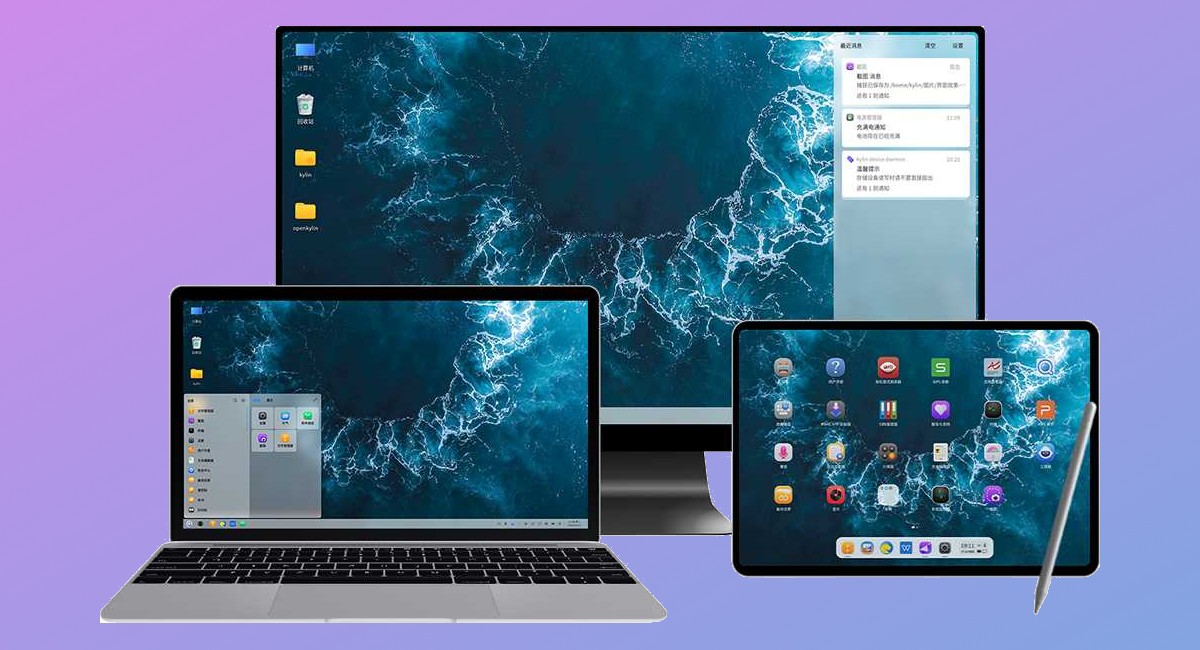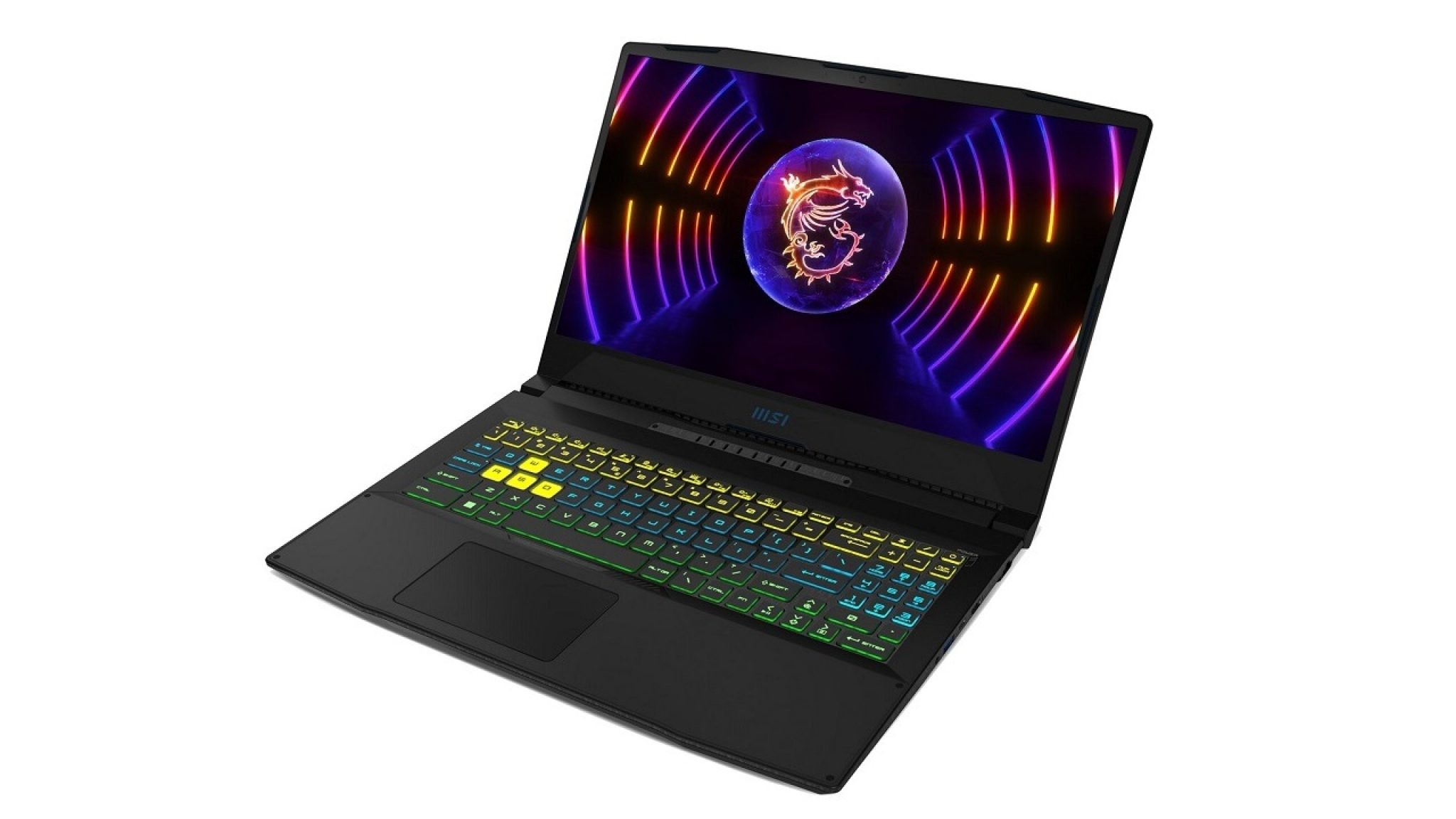
A useful TV shortlist should do more than chase spectacle.
The most interesting choices often sit in very different corners of the market: an affordable NanoCell set with wide viewing angles, a small mid-range model built around value, a very large OLED with serious gaming credentials, or an 8K flagship that demands the right room as much as the right budget.

1. LG SM8050 Review • Affordable NanoCell TV with Active HDR
LG SM8050 NanoCell TV with edge-positioned Y-shaped feet and a practical LCD design.
The LG SM8050 is presented as an affordable NanoCell LCD TV and an upgraded version of the SM8000.
Its key points are NanoCell technology, Edge LED lighting with a local dimming function, an IPS panel described as 8-bit plus FRC with good viewing angles, and Active HDR.
The design is more practical than showy, with Y-shaped feet placed nearer the screen edges for stability and connections positioned to the side and rear.
Best for: Affordable family-room viewing
- NanoCell LCD at an affordable level
- Good viewing angles from the IPS panel
- Active HDR support
- Stable Y-shaped stand design
Verdict: Choose the LG SM8050 if you want a value-focused NanoCell TV where viewing angles and everyday practicality matter more than flagship ambition.
2. TCL 43P631: A small mid-range TV with an unbeatable price
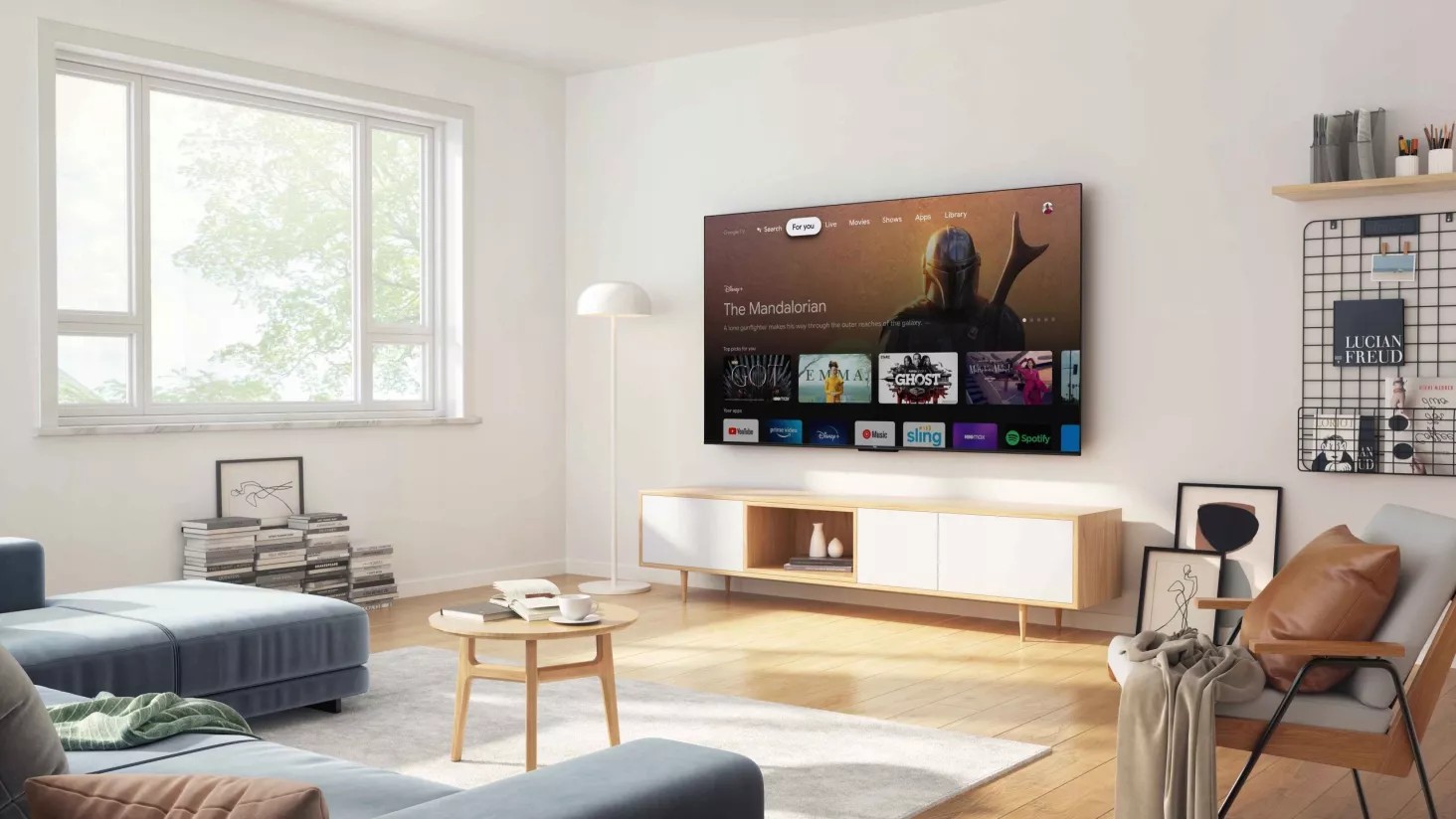
TCL 43P631 compact mid-range TV with slim visual styling and two supplied remote controls.
The TCL 43P631 is framed as a small mid-range TV for buyers who do not need maximum performance and want to keep spending low.
The source highlights a modern, versatile look with a Dark Metal finish, a compact 43-inch panel, low weight, VESA 20 x 20 cm wall-mount compatibility, and two integrated remote controls.
Its plastic legs are noted as less impressive than the panel itself, so the appeal is clearly strongest around value and size.
Best for: Small rooms and tight budgets
- Aggressive value positioning
- Compact 43-inch format
- Modern Dark Metal design
- VESA 20 x 20 cm compatibility
Verdict: The TCL 43P631 makes most sense as a low-cost, compact TV for undemanding viewing spaces.
3. Samsung unveils its largest OLED TV yet price at $5,400
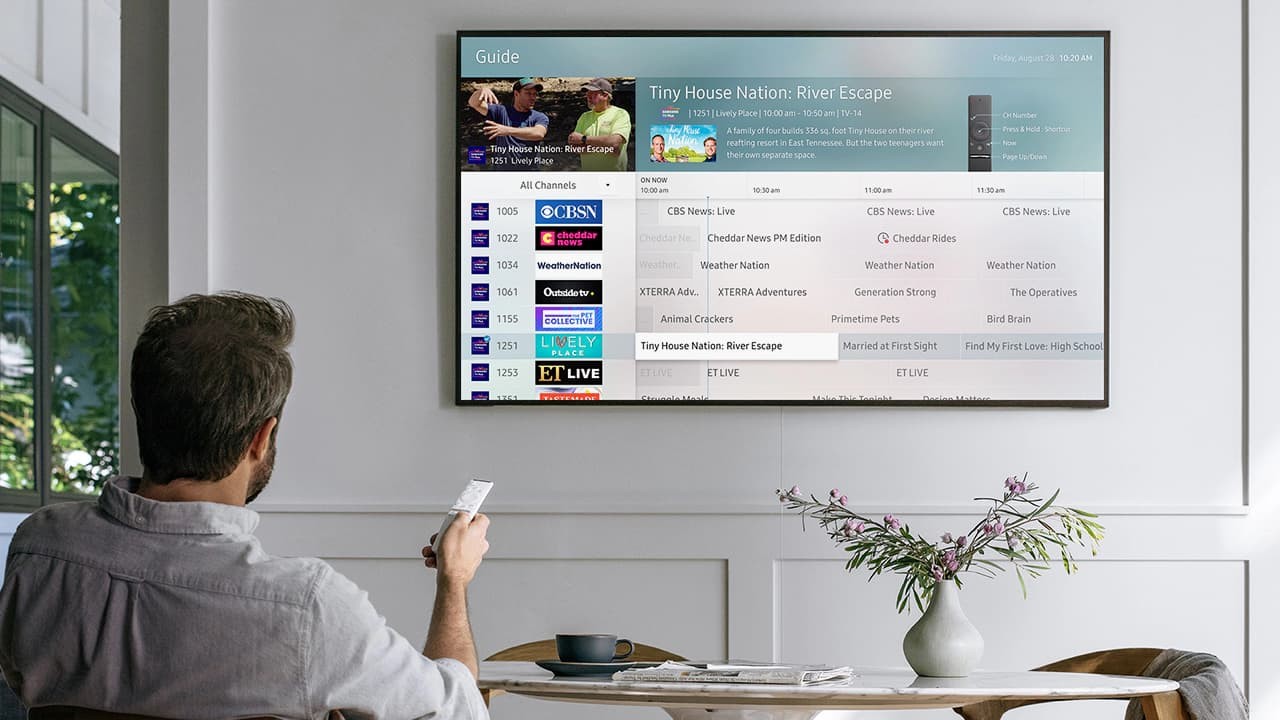
Samsung QN83S90C large-format OLED TV from the S90C series with 4K resolution and HDMI 2.1 connectivity.
Samsung’s QN83S90C is a very large 82.5-inch OLED TV from the S90C series with 3840 x 2160 resolution and a dynamic refresh rate from 48 to 120 Hz.
The source lists a 10-bit OLED matrix, 0.1 ms claimed response time, 100% DCI-P3 coverage, support for HDR10, HLG, HDR10+, HDR10+ Adaptive, HDR10+ Gaming and Quantum HDR modes, plus Tizen 7.0.
It also includes AMD FreeSync Premium Pro, Xbox and Samsung Gaming Hub cloud gaming integration, four HDMI 2.1 inputs, Wi-Fi 5, Bluetooth 5.2 and a 40 W 2.1-channel sound system.
Best for: Big-screen OLED and gaming setups
- Very large 82.5-inch OLED screen
- 4K resolution with 48 to 120 Hz dynamic refresh
- Broad HDR format support
- Four HDMI 2.1 inputs
Verdict: The Samsung QN83S90C is the source’s most ambitious OLED option, combining screen scale with gaming-focused connectivity and refresh support.
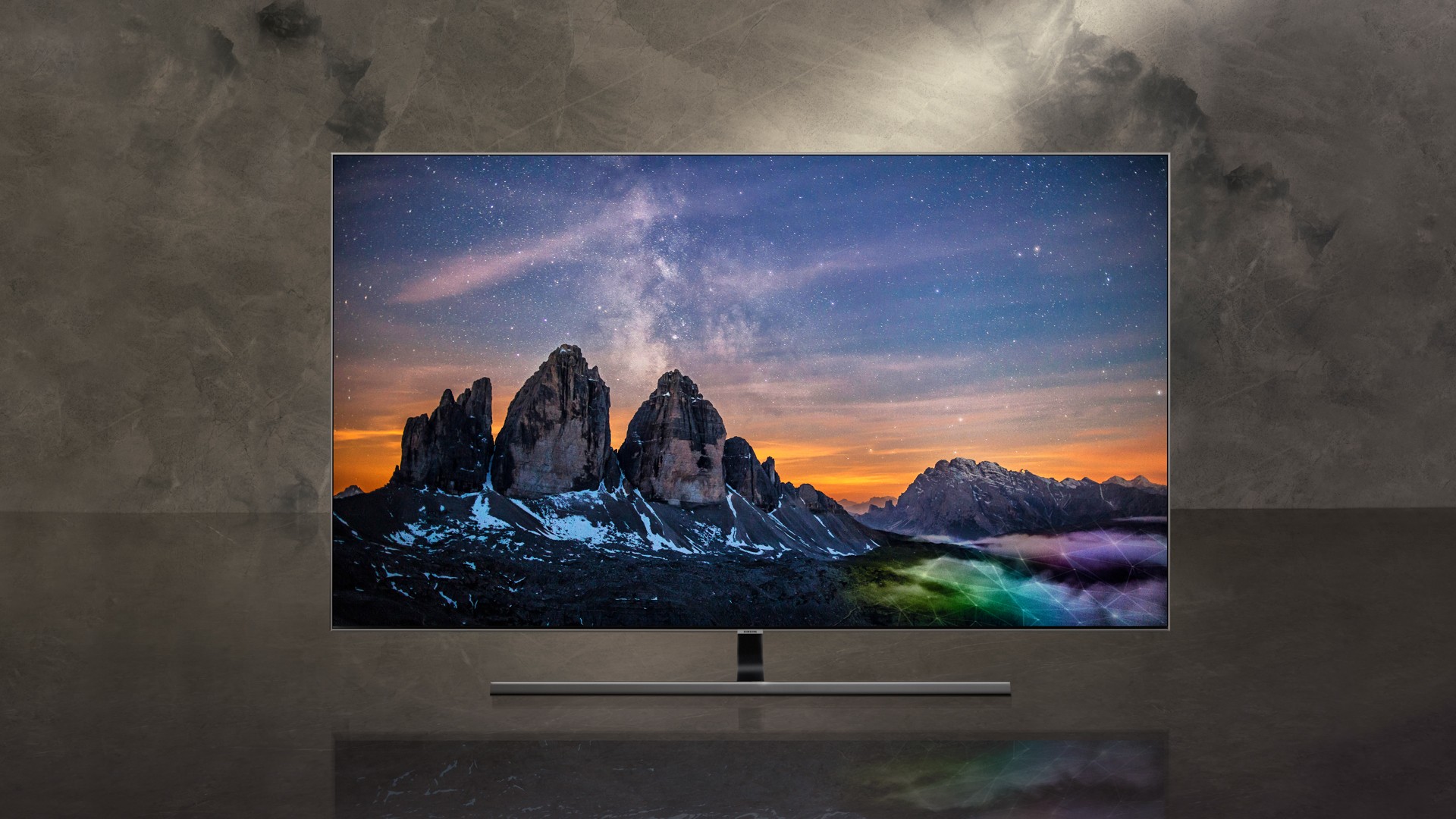
4. Samsung remains the leader in the TV market in the first half of
TV market overview showing Samsung, LG, TCL, Hisense and Xiaomi as major shipment leaders in the cited period.
This article is market context rather than a single TV recommendation, but it helps explain the brand landscape behind many buying decisions.
It reports Samsung in first place for TV shipments in the cited first-half period, followed by LG and TCL, with Hisense and Xiaomi also in the top five.
The same source also notes strong growth in OLED TV shipments, helped by more manufacturers entering that premium segment.
Best for: Understanding the TV brand landscape
- Useful brand-scale context
- Identifies major TV manufacturers
- Highlights OLED market growth
Verdict: Use this market snapshot as background, not as proof that any single TV is the right model for your room.
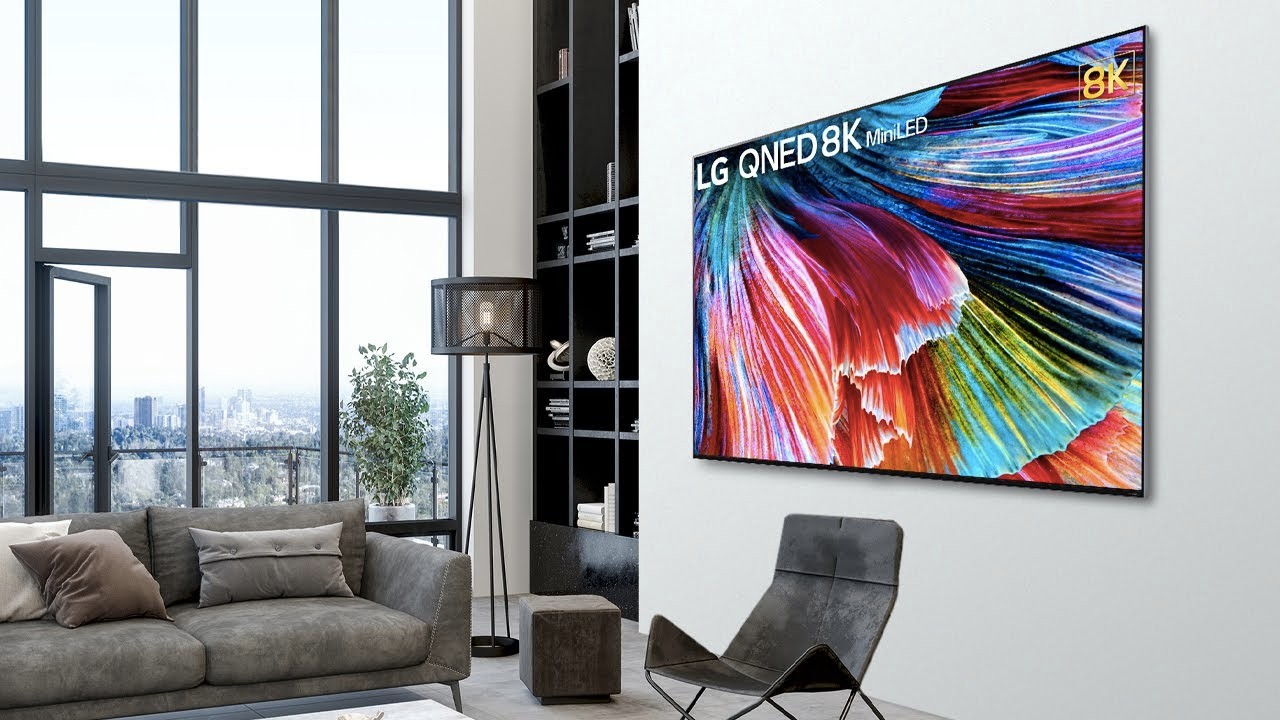
5. LG 86QNED99: A very attractive 8K TV
LG 86QNED99 86-inch 8K TV with a premium design intended for spacious rooms.
The LG 86QNED99 is presented as a high-end 86-inch television built around 8K resolution and a premium appearance.
The source emphasizes that its size requires ample space and suggests VESA wall mounting as a practical route, especially for making the most of the large screen.
Its main attraction is therefore not subtlety, but a combination of scale, resolution and high-end design details.
Best for: Large rooms and 8K ambitions
- 8K resolution
- Large 86-inch screen size
- Premium design emphasis
- Suited to VESA wall mounting
Verdict: The LG 86QNED99 is for buyers who can accommodate an 86-inch screen and want a high-end 8K set with a strong design focus.

6. TV simulator gives the impression that someone is at home
Compact TV simulator using flickering LED light to imitate the glow of a television in a room.
This is not a television, but a small home-security accessory designed to mimic the light of an active TV.
The device uses an LED light that flickers with output described as equivalent to a 42-inch TV, includes a light sensor so it can turn on when it gets dark, and offers timer operation for 4 or 7 hours before switching off for the same duration.
Power consumption is stated at only 2 W, and it works from a USB adapter with a power cable included.
Best for: Simple occupancy simulation
- Creates the impression of an active TV
- Built-in light sensor
- 4-hour or 7-hour timer modes
- Low 2 W power consumption
Verdict: The TV simulator is a low-power deterrent accessory for making an empty home look occupied, rather than an entertainment product.
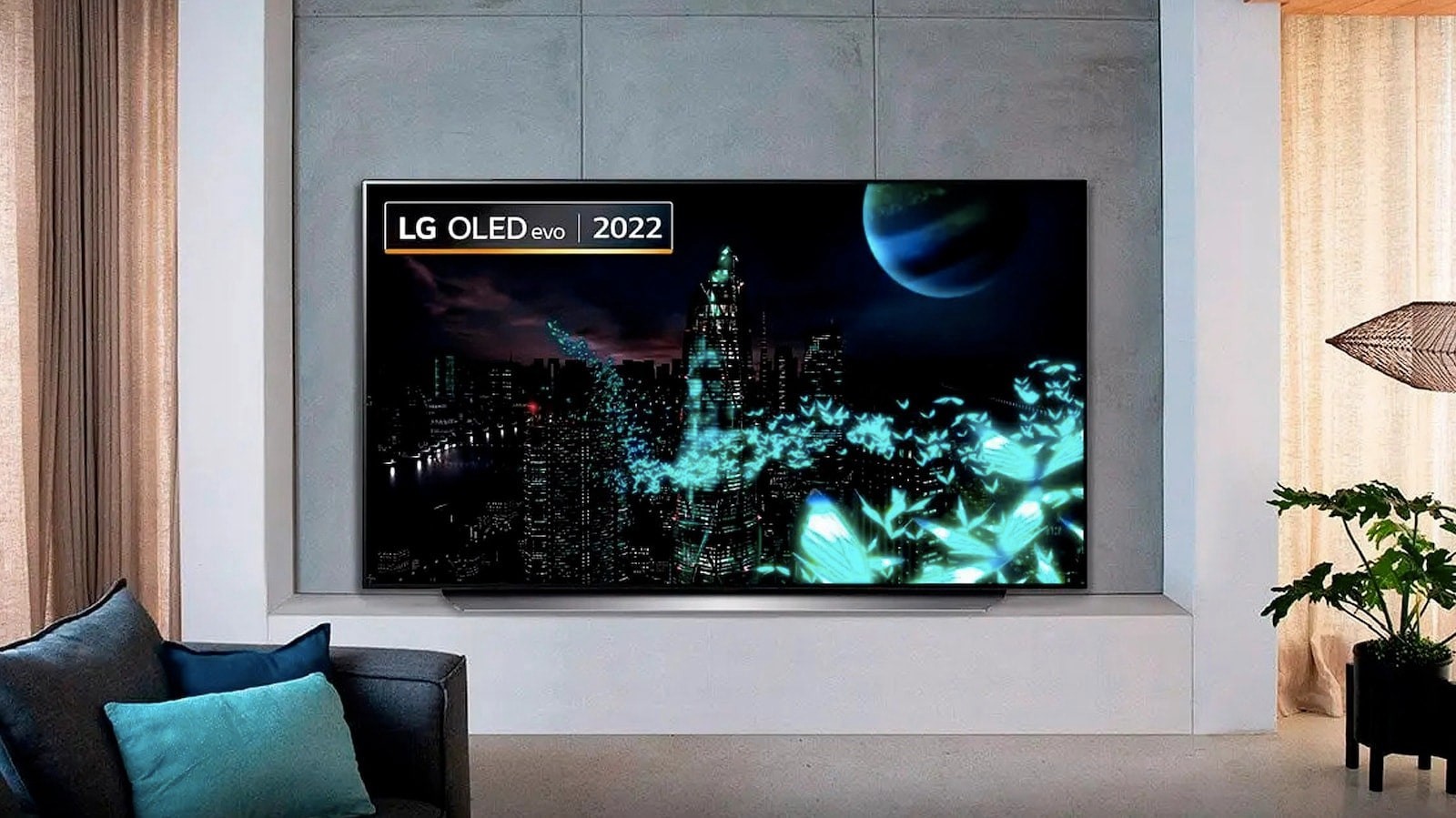
7. What’s the difference between OLED Evo and OLED EX?
OLED panel comparison context for buyers weighing Evo and EX terminology across LG OLED models.
This explainer is useful because it warns against judging an OLED TV by panel branding alone.
The source discusses LG C2 and LG G2 models with OLED Evo panels and notes that peak brightness can vary not only by series but also by screen size.
It also states that the brightness values discussed were manufacturer-provided rather than measured in the article, which is a helpful reminder to treat headline panel terms with care.
Best for: OLED shoppers comparing panel terms
- Clarifies OLED panel branding
- Notes brightness can vary by series
- Notes brightness can vary by screen size
- Distinguishes quoted figures from measured testing
Verdict: This article is a reminder to look beyond OLED Evo or OLED EX naming and check the exact model, size and brightness context before buying.

8. 5 reasons to buy the Samsung Q60A: The best and cheapest QLED TV right now
Samsung Q60A QLED TV positioned as an accessible model with an elegant finish.
The Samsung Q60A is presented as a QLED TV with a strong quality-to-price argument rather than a premium model.
The source describes it as elegant, well finished, and positioned to offer more than a basic TV while still staying accessible.
The editorial pitch is clearest for buyers who want QLED branding and a more polished feel without moving into a higher-end range.
Best for: Value-focused QLED buyers
- QLED at a value-oriented level
- Strong quality-to-price positioning
- Elegant finish
- More ambitious than a basic TV
Verdict: The Samsung Q60A is a sensible candidate if you want a QLED set with a polished finish and do not need a premium-tier model.

9. How to fix burn-in image on a TV
TV burn-in care guide showing practical steps such as pixel refresh, screen shift and reduced static-image exposure.
This practical guide explains that burn-in can be difficult to fix, but not always impossible.
The recommended first step is to stop showing the static image or logo that caused the issue, then use any available prevention or recovery features such as screen savers, pixel refreshers, pixel shifting, screen refresh functions, or screen shift.
The article also suggests lowering brightness and contrast to reduce visibility, while warning not to compromise overall picture quality too far.
Best for: OLED and static-image caution
- Explains what causes burn-in
- Recommends changing static content
- Covers pixel refresh and screen shift tools
- Suggests cautious brightness and contrast reduction
Verdict: The burn-in guide is essential maintenance reading for anyone who regularly leaves logos, menus or static images on a TV screen.

10. The long-awaited VRR update for Sony TVs is coming
Sony Bravia XR gaming update enabling VRR support on selected models marked Great for PlayStation 5.
This article covers a Sony update enabling VRR on selected Bravia XR models labelled Great for PlayStation 5, including Z9J, A90J, A80J, X95J, X90J and X85J.
The feature is aimed at gamers because it synchronizes the TV refresh rate with a connected game console in real time.
The stated benefit is a better image without frame breaks, making VRR support an important checklist item for console-focused buyers.
Best for: PlayStation-oriented Sony owners
- Adds VRR to selected Bravia XR models
- Targets console gaming use
- Synchronizes TV and console refresh rate
- Aims to reduce frame breaks
Verdict: For gaming, this Sony VRR update shows why refresh-rate synchronization can matter as much as raw screen specifications.
Quick comparison
The entries below are not all direct substitutes.
Some are TVs, some are buying-context articles, and some are practical guides or accessories.
Read them as a map of the TV category: screen technology, room size, gaming needs, maintenance and brand context all affect the right choice.
| Product | Best for | Verdict |
|---|---|---|
| LG SM8050 Review • Affordable NanoCell TV with Active HDR | Affordable family-room viewing | A NanoCell LCD option with good viewing angles, Active HDR and a stable practical stand. |
| TCL 43P631: A small mid-range TV with an unbeatable price | Small rooms and tight budgets | A compact 43-inch set for buyers who want to spend little and do not need maximum performance. |
| Samsung unveils its largest OLED TV yet price at $5,400 | Big-screen OLED and gaming setups | A very large OLED with 4K resolution, 48 to 120 Hz dynamic refresh, broad HDR support and HDMI 2.1. |
| Samsung remains the leader in the TV market in the first half of | Understanding the TV brand landscape | A market snapshot that identifies major manufacturers and points to growing OLED momentum. |
| LG 86QNED99: A very attractive 8K TV | Large rooms and 8K ambitions | A high-end 86-inch 8K TV where room size and mounting plans are central to the decision. |
| TV simulator gives the impression that someone is at home | Simple occupancy simulation | A low-power LED accessory that imitates the glow of a TV for home-security presence. |
| What’s the difference between OLED Evo and OLED EX? | OLED shoppers comparing panel terms | A useful reminder that panel naming does not by itself define peak brightness or real-world performance. |
| 5 reasons to buy the Samsung Q60A: The best and cheapest QLED TV right now | Value-focused QLED buyers | An accessible QLED option pitched on quality-to-price balance and a more polished finish than basic models. |
| How to fix burn-in image on a TV | OLED and static-image caution | A practical guide to prevention and mitigation tools such as pixel refreshers, screen shift and reduced static content. |
| The long-awaited VRR update for Sony TVs is coming | PlayStation-oriented Sony owners | A gaming-focused update that highlights the value of VRR for reducing frame breaks. |
Frequently asked questions
Should I choose an affordable LCD, QLED, OLED or 8K TV?
Start with the room and the content.
The LG SM8050 is framed as an affordable NanoCell LCD with good viewing angles, while the Samsung Q60A is a value-oriented QLED.
The Samsung QN83S90C is a large OLED with gaming-minded features, and the LG 86QNED99 is an 86-inch 8K set for buyers with enough space. Do not treat one technology label as a complete buying answer; match the screen type, size and feature set to your use.
How important is screen size?
Size is practical as well as cinematic.
The TCL 43P631 suits smaller spaces, while the LG 86QNED99 and Samsung QN83S90C require a room that can handle very large screens.
Check the furniture, viewing distance, stand width, weight and VESA requirements before deciding that a bigger TV is automatically better.
What should gamers look for in these sources?
Look for refresh-rate and synchronization support.
The Samsung QN83S90C lists a dynamic 48 to 120 Hz refresh rate, AMD FreeSync Premium Pro and HDMI 2.1 inputs.
The Sony VRR article explains why variable refresh rate matters: it synchronizes the TV and console refresh rate in real time to help avoid frame breaks.
Is burn-in still something to worry about?
Burn-in can occur when static images remain on screen for long periods.
The supplied guide recommends avoiding persistent static logos or images, using built-in tools such as pixel refreshers or screen shift where available, and lowering brightness and contrast carefully if burn-in is visible.
These habits are especially relevant for viewers who leave menus, news tickers or game HUDs on screen.
How to Choose the Right TV from a Mixed Shortlist
The most reliable way to buy a TV is to define the job before comparing model names.
For a modest living room or secondary space, the TCL 43P631 and LG SM8050 point toward value, manageable size and everyday practicality.
The TCL is the smaller, low-demand option, while the LG adds NanoCell positioning, Active HDR and good viewing angles from its IPS panel.