
Microsoft adds a performance mode to Edge to speed up the browser in Windows 10
The latest test build of Microsoft Edge Canary for Windows 10 introduces two new features. The first is productivity mode and the second is the ability to add text to PDFs. The new productivity mode in Microsoft Edge is part of a future update that should be rolled out soon. But browser users can already enable this […]
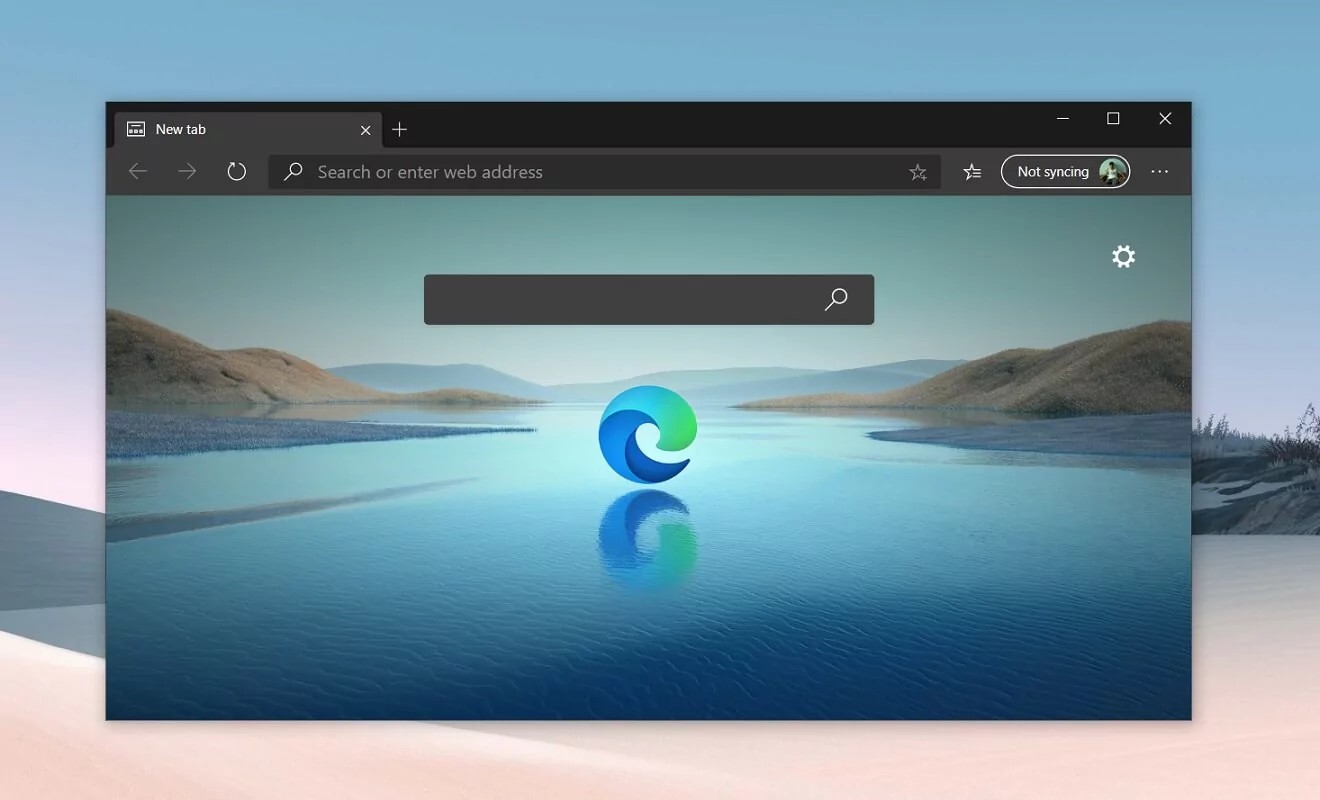
The latest test build of Microsoft Edge Canary for Windows 10 introduces two new features. The first is productivity mode and the second is the ability to add text to PDFs.
The new productivity mode in Microsoft Edge is part of a future update that should be rolled out soon. But browser users can already enable this feature in Edge Canary version 91.0.856.0 and higher. This is done using the command:
–Enable-features = msPerformanceModeToggle

The function description reads as follows:
“Performance Mode helps you optimize speed, responsiveness, memory, CPU and battery usage. Improvements may vary depending on your individual characteristics and browser settings. “
When you activate the productivity mode, another function is automatically disabled – “sleeping” tabs, which puts them into sleep mode after they have not been used for a long time.

Another new feature was introduced in Microsoft Edge Canary version 91.0.859.0. It allows you to add text to any PDF file opened in a browser. Previously, Microsoft Edge could only draw on PDF documents on touch devices.














Comments 0
Share your experience, questions and perspective with other hi-fi enthusiasts.