

Until recently, I thought I had FiiO’s product lineup pretty much mapped out in my head. Then 2024–2025 happened. The Chinese brand expanded so aggressively—across players, amplifiers, headphones, and especially USB dongles—that model numbers started to blur together. Double numbering, new letter codes, and suddenly even long-time followers had to stop and think: wait, what exactly is this one again?
Last year’s top dongle was the FiiO KA17, positioned as a step into a higher league. Now FiiO is back with something even bolder: the FiiO QX13. According to the company, this one isn’t just an upgrade—it’s the beginning of a new chapter. Big words, especially coming from a brand that already used similar language with the KA17. Naturally, expectations are high.
And here’s the twist: despite the lower model number, the QX13 is currently the most expensive dongle in FiiO’s lineup. So let’s see if it earns that position.
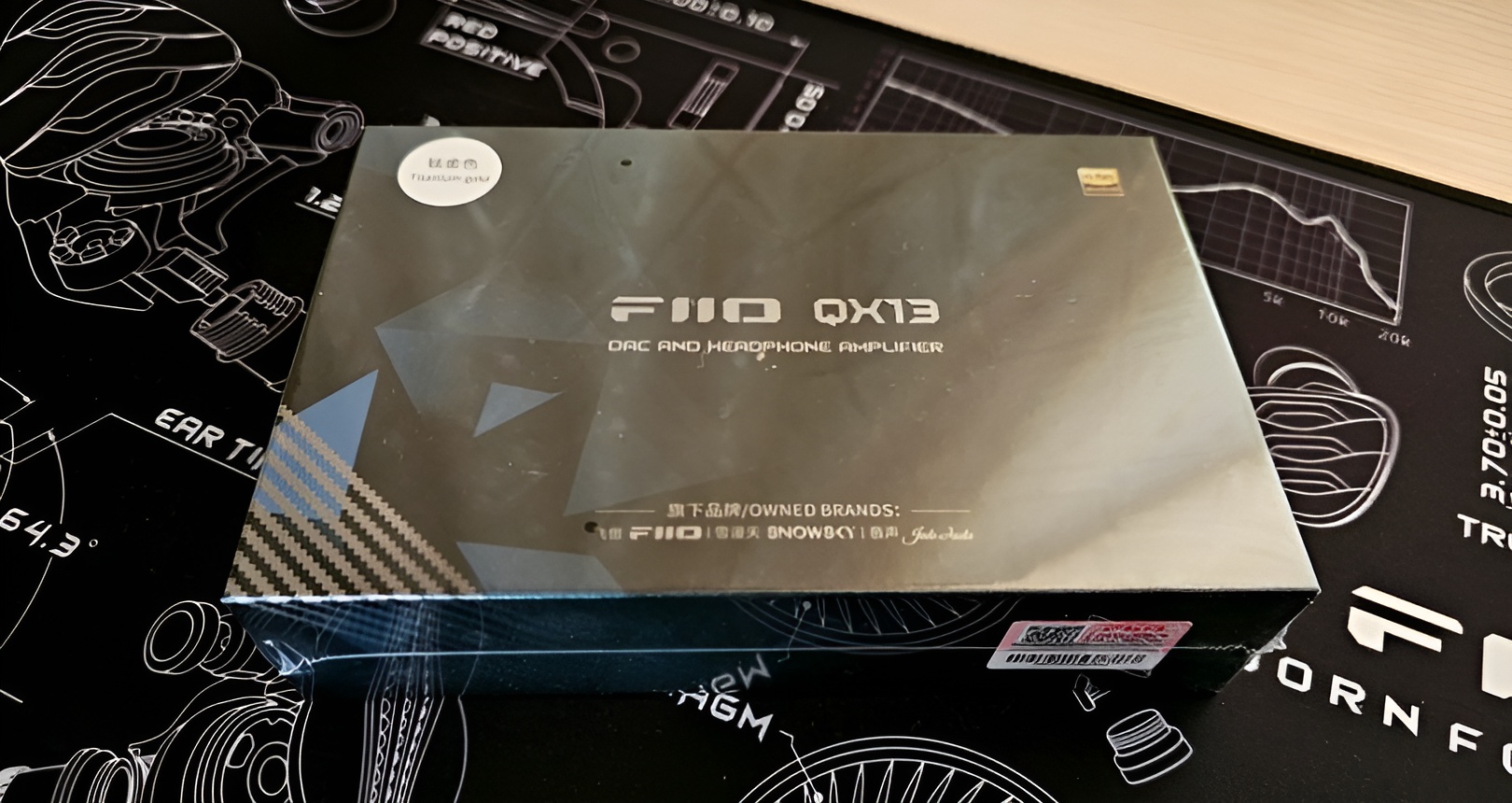
First impressions and build quality
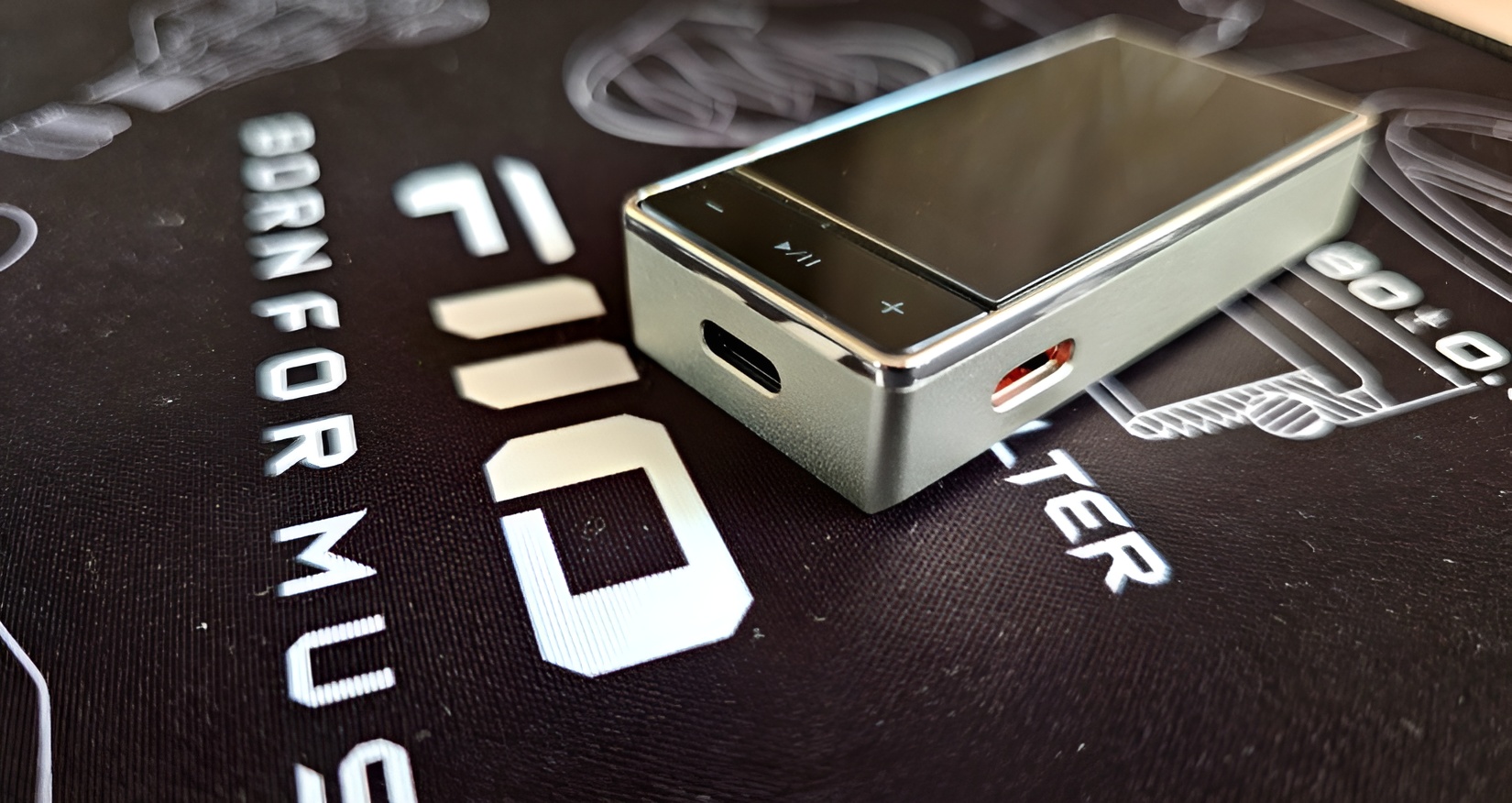
The QX13 immediately feels more serious than a typical USB dongle. It’s a compact rectangular block with softly rounded edges, dominated on the front by a surprisingly large IPS display protected by third-generation Corning glass. Beneath the screen sits a slim row of physical buttons for navigation and control.
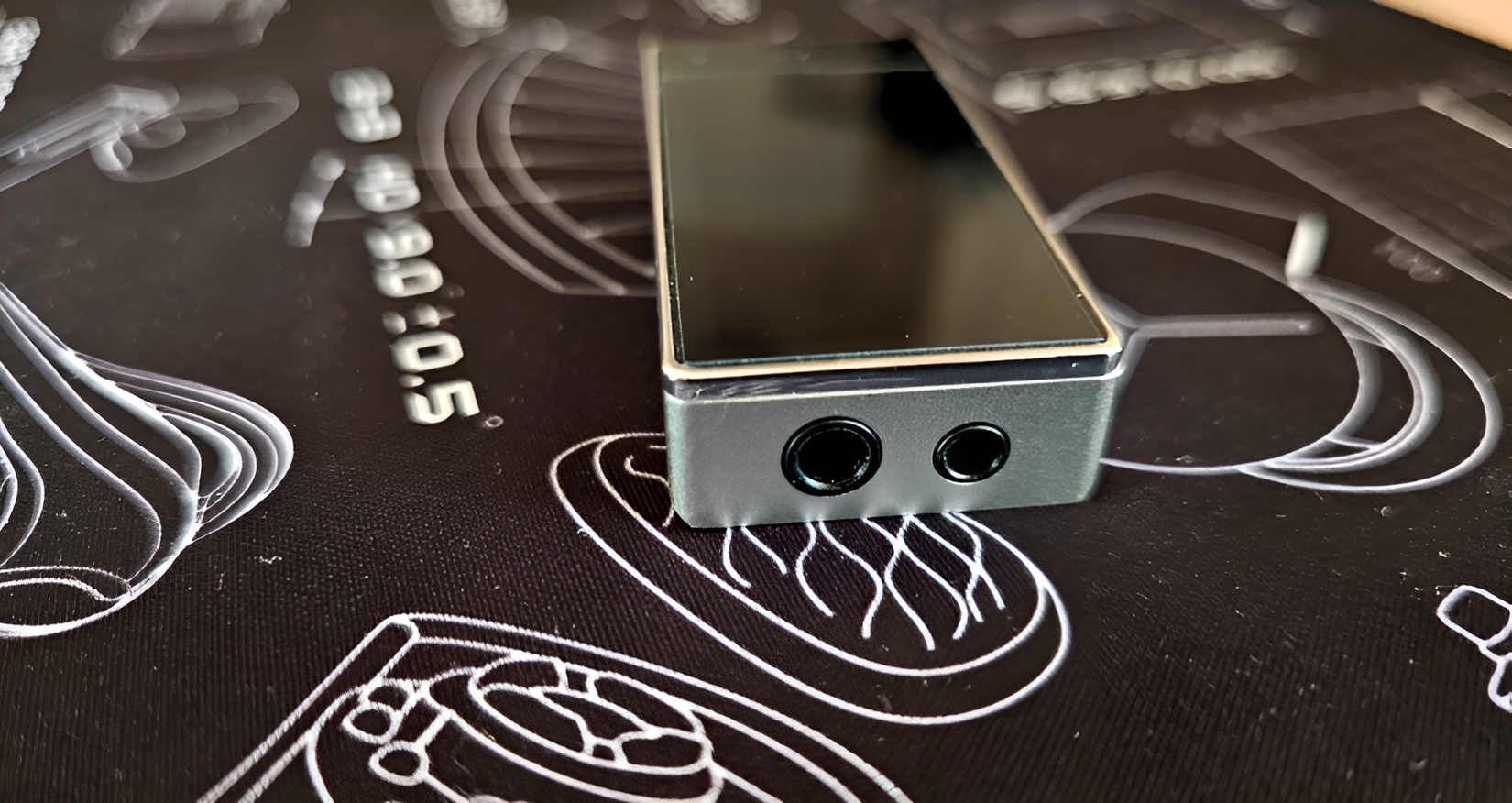
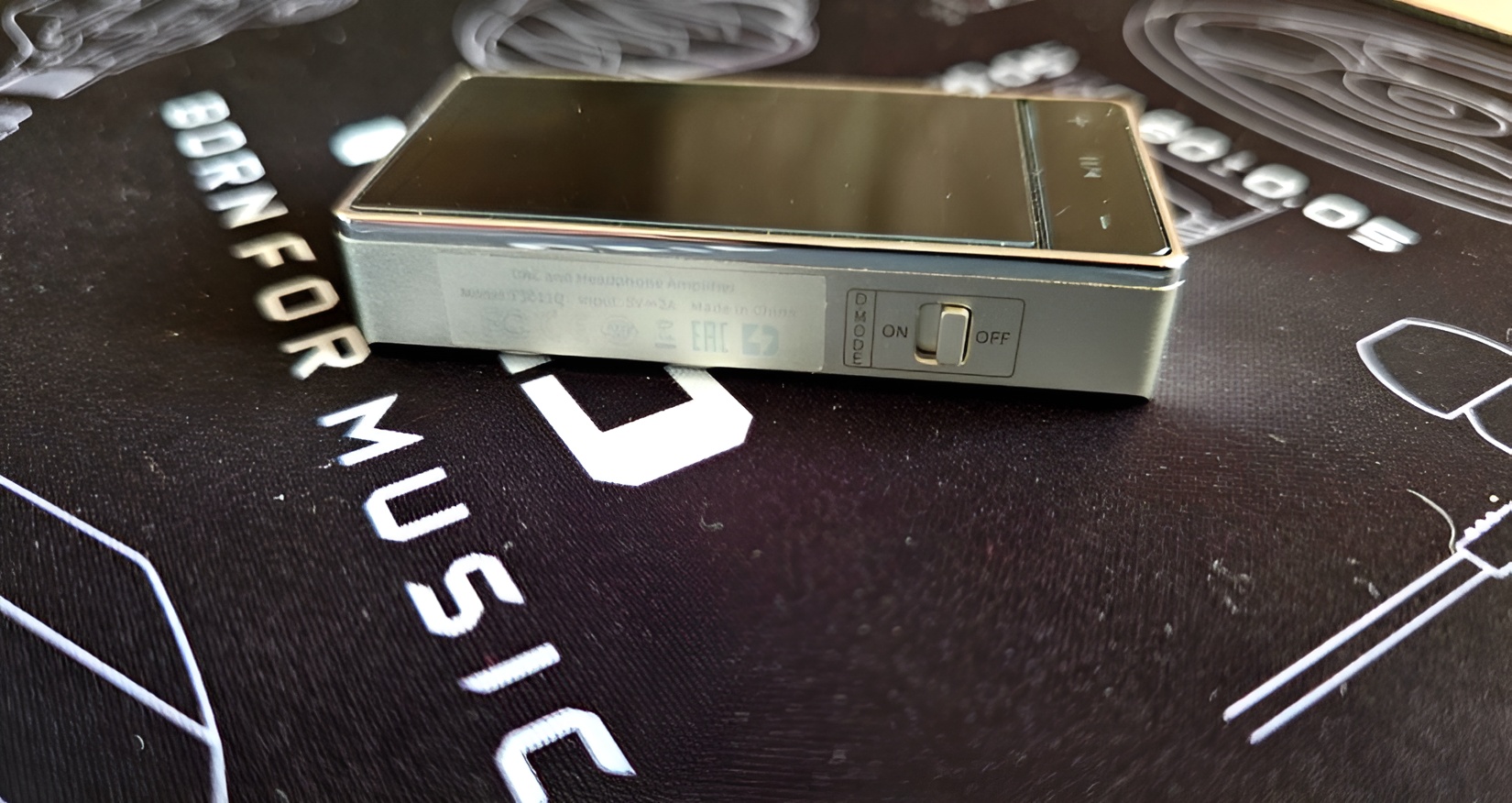
Connections are neatly laid out. On top you’ll find both 3.5 mm single-ended and 4.4 mm balanced headphone outputs. The bottom hosts the main USB-C input for your phone or computer. On the left side there’s a physical Desktop Mode switch, while the right side hides a second USB-C port for external power—marked with an orange interior so you don’t confuse it with the data port.
An interesting twist is that the color determines the material. The black version uses a carbon-fiber body and weighs just 33.7 grams, while the Titanium Gold version (the one I tested) is made from aluminum alloy and tips the scale at 39.2 grams. Both feel solid and well finished, but the aluminum version adds a bit of visual luxury.
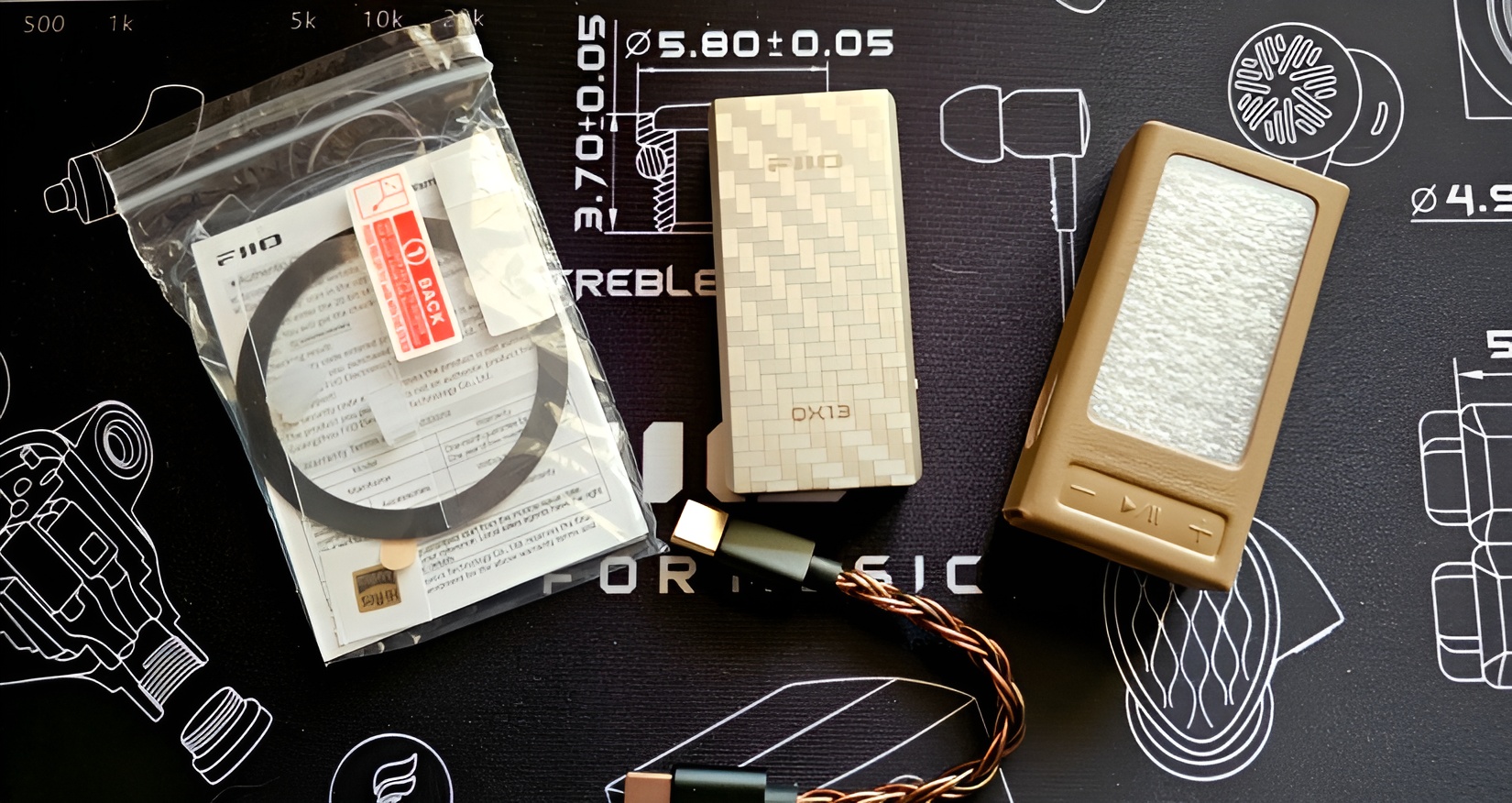
Packaging and accessories
FiiO keeps things clean and premium. The compact cardboard box contains the QX13 and its protective case, both securely seated in foam. Accessories include a short USB-C to USB-C cable, a screen protector, documentation, and a Hi-Res Audio sticker.
The most unusual addition is a magnetic ring designed to attach the QX13 to a smartphone. It’s clever in theory, but in practice it didn’t win me over. More on that below.
Ergonomics: portable in theory, stationary in practice
Although the QX13 is technically a dongle, I wouldn’t call it truly pocket-friendly. Connected to a smartphone via cable, the size and weight make the setup feel awkward, and the magnetic mounting solution turns the phone-dongle combo into a slightly clumsy sandwich.
Where the QX13 does shine is stationary use. On a desk, connected to a laptop, it feels completely at home. There’s plenty of space to operate the buttons, the screen is easy to read, and Desktop Mode becomes genuinely useful. With an external power source connected, the QX13 transforms from a portable accessory into a miniature desktop DAC/headphone amp.
In short: mobile use is possible, but not ideal. Desktop or semi-stationary use is where the QX13 really makes sense.
Software, controls, and usability
FiiO continues its familiar dual-control approach: physical buttons on the device and deeper configuration via the FiiO Control app. On Android, setup was painless—plug in, grant permission, and you’re ready to go.
Navigating menus on the device itself is functional but not particularly enjoyable. The screen is sharp, but menu text is small, and frequent button presses are required. The smartphone app is far more comfortable, giving easy access to gain settings, filters, channel balance, EQ, and display options.
On Windows, the experience is refreshingly simple. No driver installation was needed; the QX13 was instantly recognized by the system and by FiiO Control. Firmware updates, however, are still a bit of a ritual. Updating involves different ports for different firmware components, manual file copying, and reconnection steps. It works—but it’s not elegant.
The upside? Recent firmware updates added two charming new display themes, including a retro cassette-style interface and vintage analog meters, which suit the QX13’s “serious but playful” personality surprisingly well.
Heat, power, and Desktop Mode
Like most powerful dongles, the QX13 runs warm. Even without Desktop Mode enabled, noticeable heat builds up during use. Power consumption is also higher than simpler dongles, though FiiO claims improved efficiency compared to the KA17.
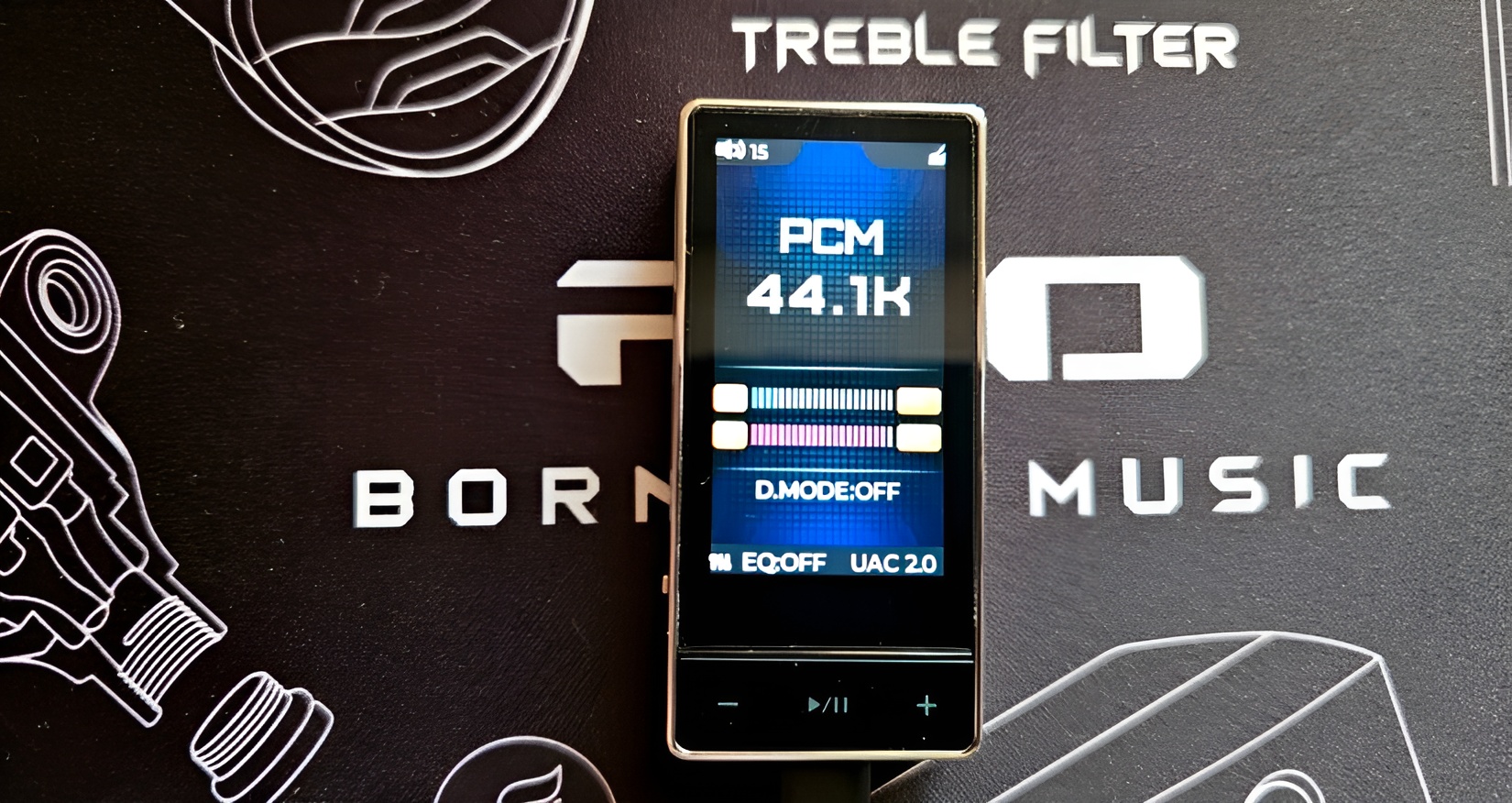
In real-world use, I didn’t find the battery drain on my laptop to be excessive. Desktop Mode, when powered externally, unlocks more headroom and noticeably improves dynamics—making it well worth using if you’re listening at a desk.
Sound quality
FiiO claims the QX13 rivals professional DACs and headphone amplifiers. That’s a bold statement, and while I wouldn’t go that far, the sound quality is undeniably impressive for a device of this size.
The overall tuning is neutral-dynamic. It’s neither dark nor bright, with a clean, energetic presentation and a sense of control that immediately stands out. Compared to the KA17, the soundstage feels wider and more open—not huge, but convincingly spacious.
Bass
Bass is one of the QX13’s strongest suits. It’s fast, textured, and punchy, with excellent control. On jazz and classic rock recordings, you can clearly feel the vibration of bass strings and drum skins, adding physicality and drive without excess bloom.
Midrange
The midrange is natural and detailed, with just enough micro-detail to reveal subtle nuances—breath, room ambience, tiny movements—without tipping into sterile analysis. Male vocals sound solid and grounded, while female vocals are open and expressive, free from harshness.
Treble
High frequencies are clean, airy, and well extended. There’s no sibilance here, just a smooth decay and a sense of space that helps the sound breathe. For a compact dongle, treble control is excellent.
Desktop Mode further enhances dynamics and scale, giving the sound more authority and excitement, especially with full-size headphones.
Conclusion
The KA17 was marketed as a step up. The QX13 feels more like a refinement and expansion of that idea. It builds on the same core philosophy—high power, flexibility, and serious sound—but pushes it further with Desktop Mode, a larger screen, more features, and a slightly more mature sonic presentation.
It’s not the most convenient dongle for true on-the-go use, and it’s certainly not cheap. But if your goal is maximum sound quality from a compact USB device, capable of driving both sensitive IEMs and demanding full-size headphones, the FiiO QX13 delivers.
This isn’t just another dongle. It’s a small, confident statement from FiiO that the line between portable and desktop audio keeps getting thinner—and more interesting.




Sound Off
0Join the discussion if you have something to add.